Rolling back the import operation
If you decide upon rolling back the import operation, you need to follow the instructions given below.
- Download the Rollback ZIP file corresponding to the import package from the Dashboard by following the steps below:
- In the left sidebar, click
 (Dashboard).
 - Select Solution Promotion.
- Click
 (More) against the required import operation, and then click Rollback ZIP.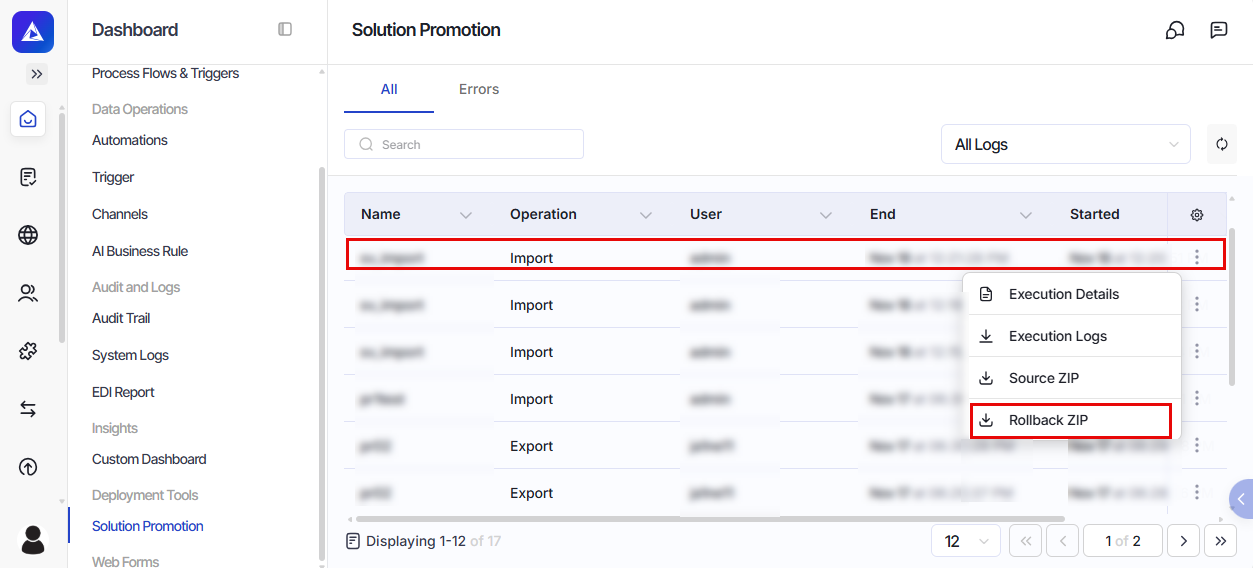
- In the left sidebar, click
- In the left sidebar, click
 (Solution Promotion).
 - On the Solution Promotion page, select the Import Packages tab.
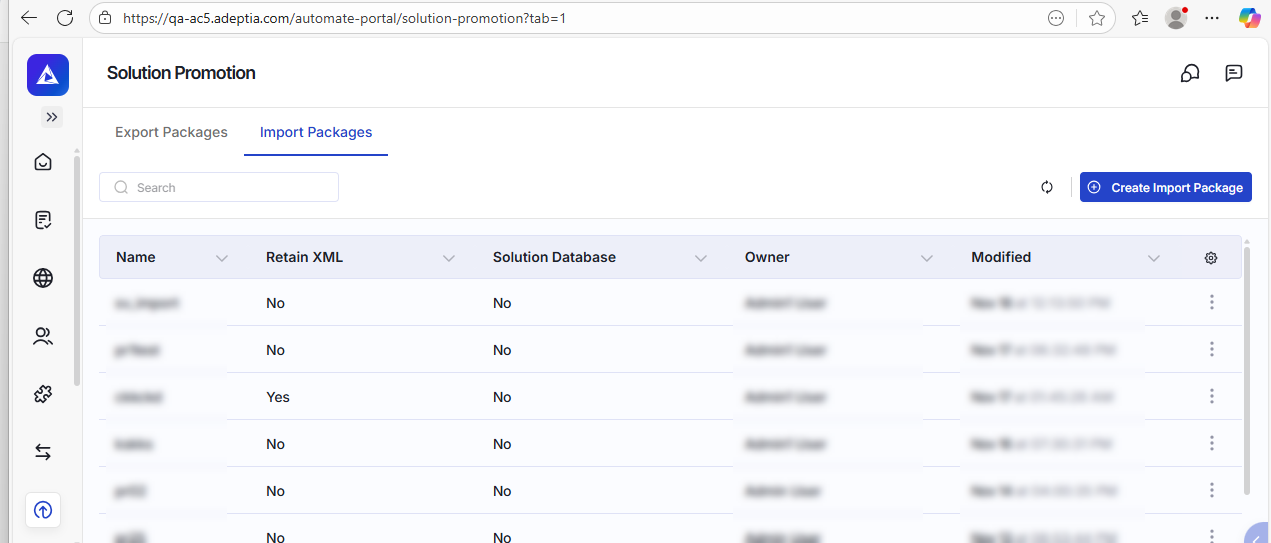
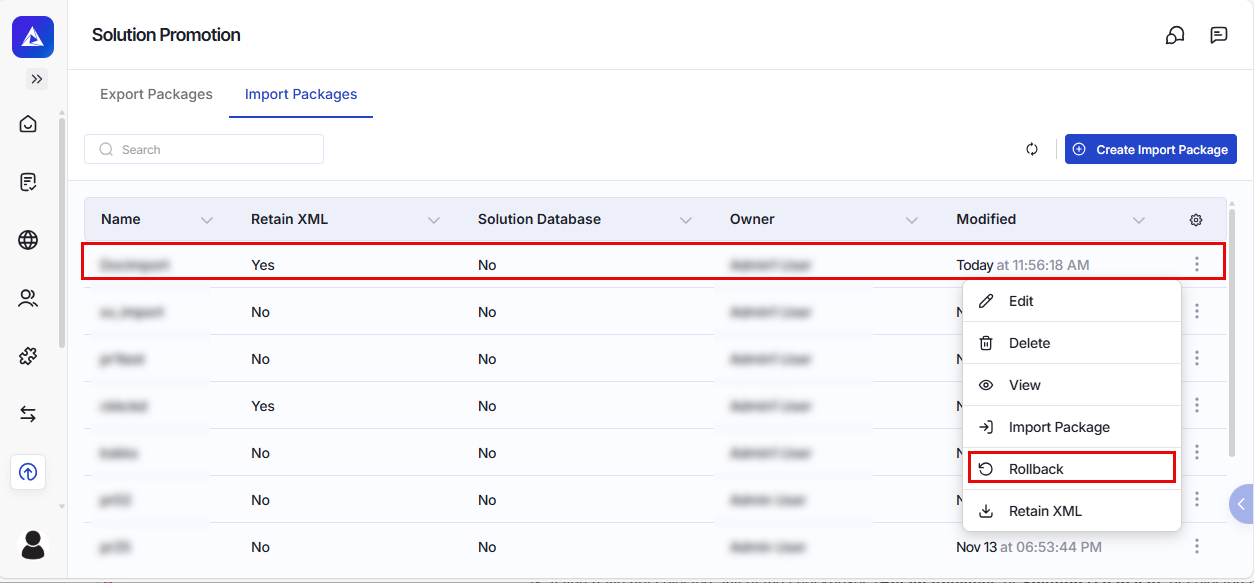
- Click (More) against the package, and then click Rollback.
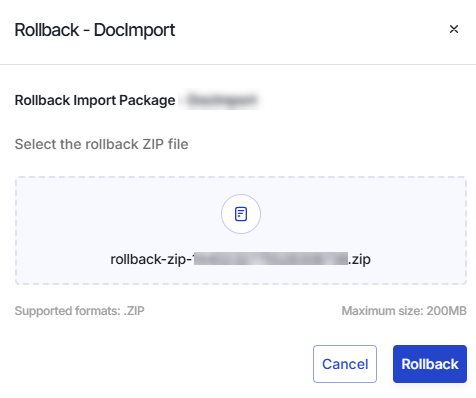
- On the Rollback screen, click
 to browse and select the rollback ZIP file you have downloaded in step 1(c) and then click Rollback to rollback the import operation.
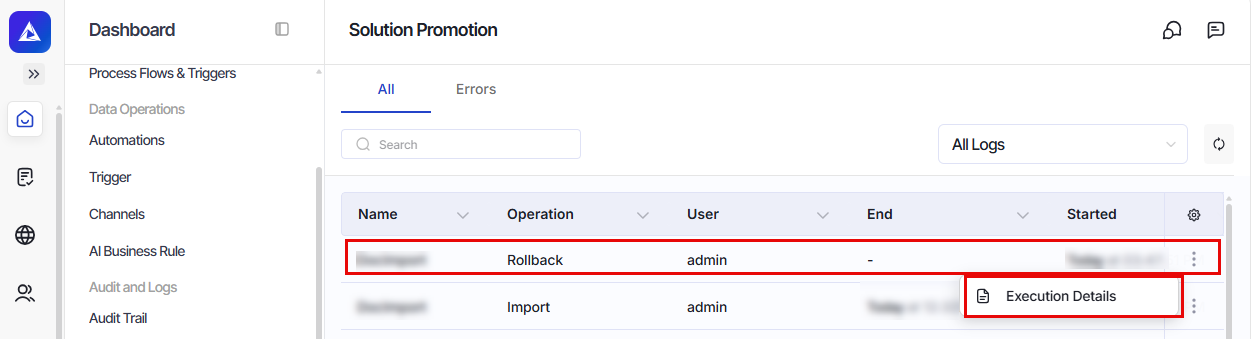
You can go to Dashboard > Solution Promotion to see the details of the rollback operation.
Related pages
Dashboard