Sources
Sources define where your integration workflows read data from, giving you a reusable library of configured endpoints.
What sources do
A source is a configured endpoint that a workflow reads incoming data from. By defining these endpoints as named, reusable objects, you avoid re-entering connection details each time you build a new workflow.
Sources are organized by project and owned by a specific user.
Supported source types
Adeptia supports several categories of source, each suited to a different kind of data origin:
| Source type | What it connects to |
|---|---|
| FTP / SFTP | A remote file server, reading files from a specified directory |
| An email server, pulling messages and attachments based on subject or file filters | |
| LAN File | A file located on a local or network-accessible file system |
| JMS | A messaging destination such as a queue or topic on a JMS provider |
| Database | A relational database, using a saved connection and a query to retrieve records |
What you configure
When setting up a source, you provide the details that tell the workflow how to locate and retrieve data. The exact information depends on the source type, but generally includes:
- Connection details: The server address, port, and protocol needed to reach the endpoint.
- Data location: The directory, file path, mailbox folder, queue or topic name, or database query that identifies the specific data to retrieve.
- Filtering options: Criteria such as file name patterns or email subject filters to narrow which data is picked up.
Each source is given a name and an optional description, and is associated with a project so it can be found and reused easily.
How sources fit into your workflows
Where: Configure Tab in the Adeptia Automate portal.
The platform tracks whether a source is currently active and whether it is in use by any workflow, helping you keep your library clean and up to date.
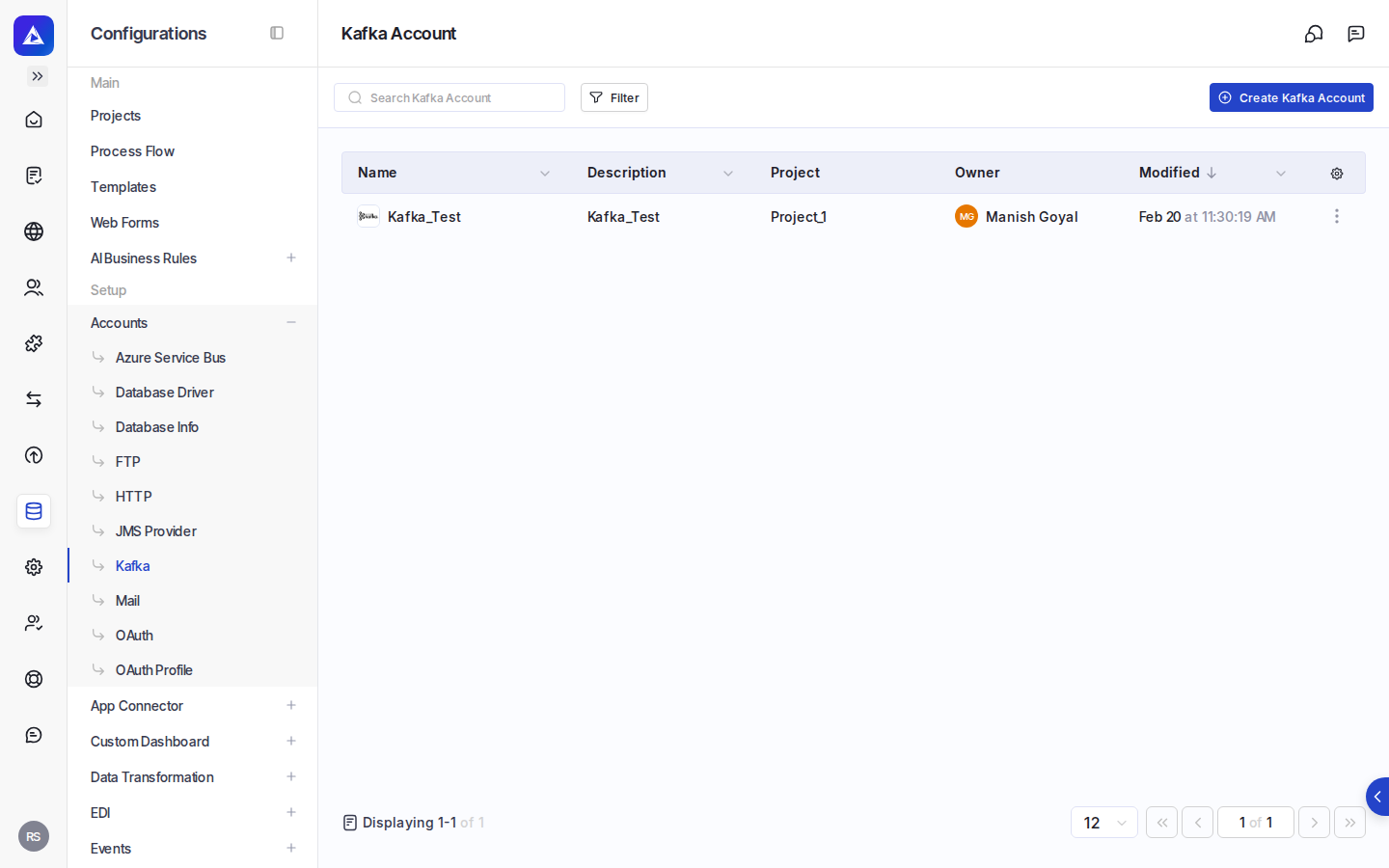
Managing sources
From the configuration area, you can:
- See which project a source belongs to and who owns it.
- Track when a source was created or last modified, and by whom.