Database Connector
The Adeptia database connector lets you integrate relational databases into your automation workflows, reading records with SQL queries, writing data back through insert and update operations, and invoking stored procedures. Once a database connection is configured, Adeptia can discover the structure of your tables so that fields are available for mapping to and from other systems.
Where: Configurations
What you can do with a database connection
A configured database connection can be used in several ways across your automations:
| Capability | Description |
|---|---|
| Read data | Query a database table or view using a SQL SELECT statement; the result set becomes available as a data source |
| Write data | Insert new records, update existing records, or combine both operations (insert-and-update or update-and-insert) into a target database table |
| Invoke stored procedures | Call a stored procedure and capture its input, output, and input-output parameters for use in a workflow |
| Discover table structure | Browse the tables and columns in a connected database so Adeptia can build a layout that describes the data shape for mapping |
Setting up a database connection
A database connection (also called a database connection account) tells Adeptia where your database is and how to authenticate to it.
Where: Configurations > Accounts > Database Connection Info
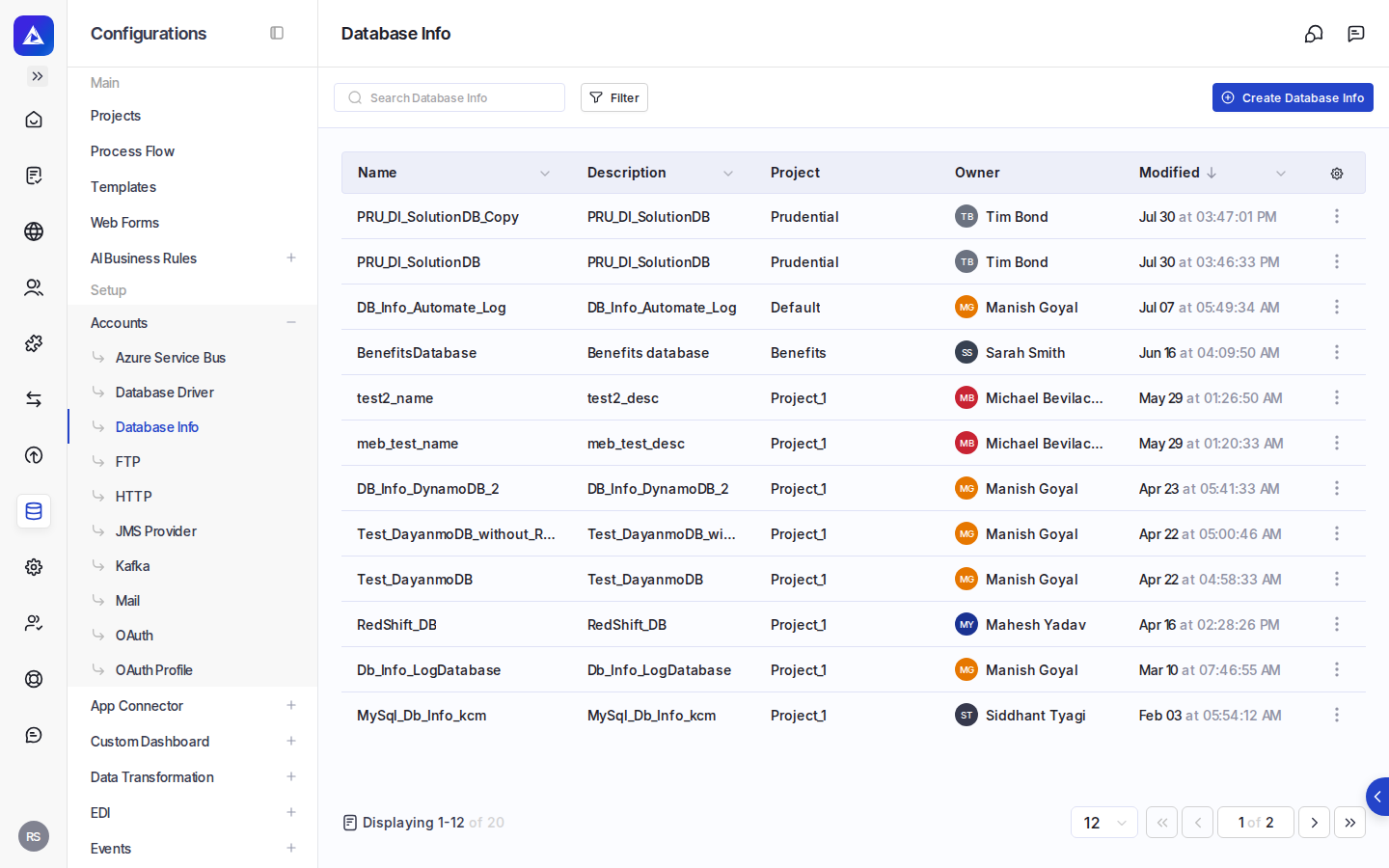
When creating a connection, you choose between two connection paths:
| Connection type | Description |
|---|---|
| Database Driver | Uses a JDBC driver that you upload separately; you supply the driver, the server URL, and credentials |
| CDATA Connector | Uses a pre-built connector; you select the connector and supply the connection string and any required properties |
Database Driver path
For the Database Driver path, you select a JDBC driver from the list of drivers already configured in Adeptia (or create a new one inline), then provide the server URL for your database.
You can optionally select a database schema to scope the connection.
Connection pooling is available as an option. When enabled, you configure settings such as the connection pool type, maximum and minimum connections, maximum idle time, maximum statements, and transaction isolation level.
CDATA Connector path
For the CDATA Connector path, you select a pre-built connector. You then provide a connection string (server URL). Depending on the connector, you may also supply a username and password, and additional connection properties specific to that connector.
Testing the connection
After filling in the connection details, you can use the Test button to verify that Adeptia can reach the database with the settings you have provided before saving.
Discovering table structure
When you configure a database source or layout, Adeptia can connect to the database and retrieve the list of available schemas and tables. You can browse tables and select columns to include. Adeptia generates a SQL query based on your column selections, which you can also edit directly. You designate a primary key column if needed.
When using the Select Table definition mode, you can mark each column as plain text or encrypted.
Setting up a database driver
Before creating a Database Driver connection, you upload the JDBC driver JAR file or files and specify the driver's main class name. Adeptia can suggest available driver class names based on the uploaded JAR.
Where: Configurations > Accounts > Database Driver Info
Using a database as a source or target
Once a connection is configured, you reference it when setting up a database source or target in your workflow:
| Role | What you configure |
|---|---|
| Database source | Select the database connection and the database schema (layout) that describes the data to read |
| Advanced database source | Select the connection and schema, and optionally define a custom SQL query and processing options such as optimize processing and fetch size |
| Database target | Select the connection, the schema describing the target table, and the database operation: Insert, Update, Insert/Update, or Update/Insert |
| Advanced database target | Select the connection, schema, and operation; the advanced target also supports a Custom Query operation where you write a SQL statement directly |
| Stored procedure | Select the database connection, optionally a schema and package (for Oracle databases), and the stored procedure to call; selecting a stored procedure loads its input, output, and input-output parameters |