Build
The Build section of the Adeptia platform is where you design, configure, and connect every part of an integration, from the logic that validates and transforms data to the flows that orchestrate end-to-end processes.
What you can build
The Build section groups the authoring capabilities you use to create integrations. Each capability addresses a distinct part of the integration lifecycle, and they work together so that context, rules, mappings, and flows reinforce one another.
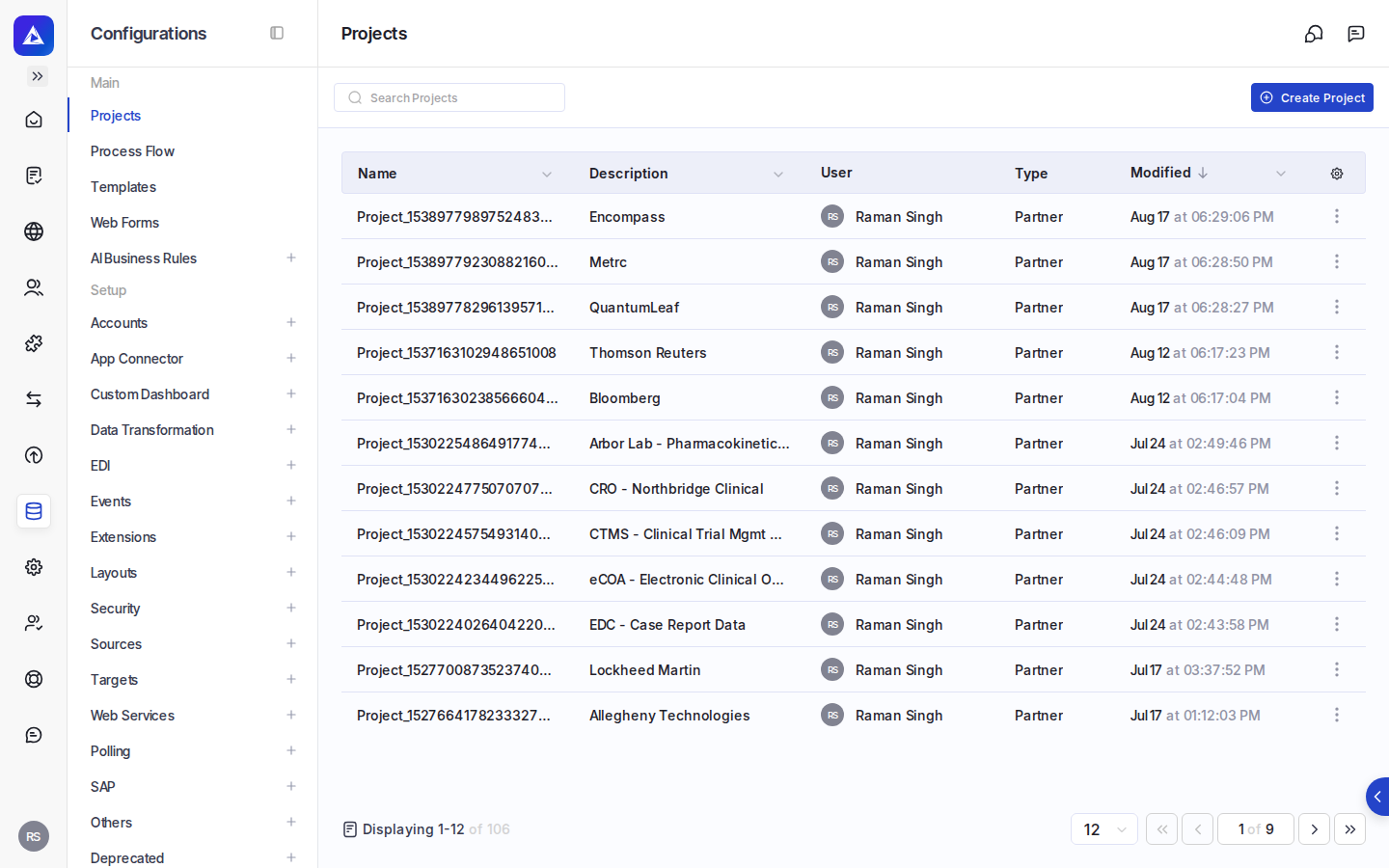
Capabilities in the Build section
| Capability | What it does |
|---|---|
| Business Rules | Author and manage validation and compliance logic, owned by the people accountable for it, shipped in days rather than release cycles |
| Transform | Map variable or unstructured source data onto a target schema, guided by Knowledge Base context |
| Process Designer | Orchestrate the end-to-end integration flow, including triggers, parallel processing, and error handling |
| Knowledge Base | Supply domain context that grounds AI assistance across every other capability |
| IDP | Convert PDFs, scans, and faxes into structured data using intelligent document processing |
How the capabilities fit together
The capabilities in Build are designed to be used in combination. A typical integration draws on several of them:
- Business Rules lets the people who own compliance and validation logic author and update it directly, without waiting for a development cycle.
- Transform uses that same Knowledge Base context to map source data, including highly variable or unstructured inputs, onto your target schema.
- Process Designer ties everything together into a runnable flow, handling triggers, sequencing, parallel branches, and error conditions.
- IDP brings documents, such as PDFs and scanned forms, into the integration as a first-class data source, converting them to structured data.
Natural-language authoring
Across the Build section, a natural-language prompt is the starting point. You describe what you want to accomplish in plain English, and the platform routes your intent to the right capability.
Where to find Build
Where: Build in the Adeptia platform navigation.