Generating thread and heap dumps
Thread, and heap dumps help you identify and analyze issues related to the performance, memory usage, and threading behavior of the application.
This section discusses how you can generate thread dump and heap dump of a pod in Adeptia Connect. It also discusses how you can get the report on overall health of the apllication.
Generating thread dump
A thread dump is a snapshot of all the currently executing threads in a running application at a specific point in time. It captures information about the state and stack traces of each thread.
Thread dumps are helpful for diagnosing issues related to thread contention, deadlocks, and performance bottlenecks. By examining the thread states and stack traces, you can identify where threads are stuck or waiting for resources, which can lead to performance problems.
You can generate the thread dump of a pod in Adeptia Connect by hitting the URL in the following format:
https://<domain name>/threaddump?/podName=<Name of the pod for which you want to get the thread dump>
For example,
https://abc.com/threaddump?podName=ac-runtime-d9945d8d-ak86e
Generating heap dump
A heap dump captures the state of an application's memory heap, including all objects and their relationships. It is used to diagnose memory-related issues like memory leaks and excessive memory consumption.
By inspecting the contents of the heap dump, you can identify which objects are consuming excessive memory and whether there are references preventing objects from being garbage collected.
You can generate the heap dump of a pod in Adeptia Connect by hitting the URL in the following format:
https://<domain name>/heapdump?podName=<Name of the pod for which you want to get the heap dump>
For example,
https://abc.com****/heapdump?podName=ac-runtime-2du7bde87c-ff7rs
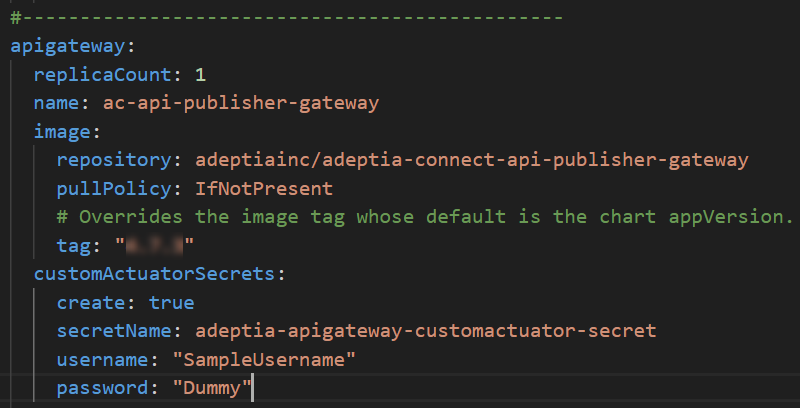
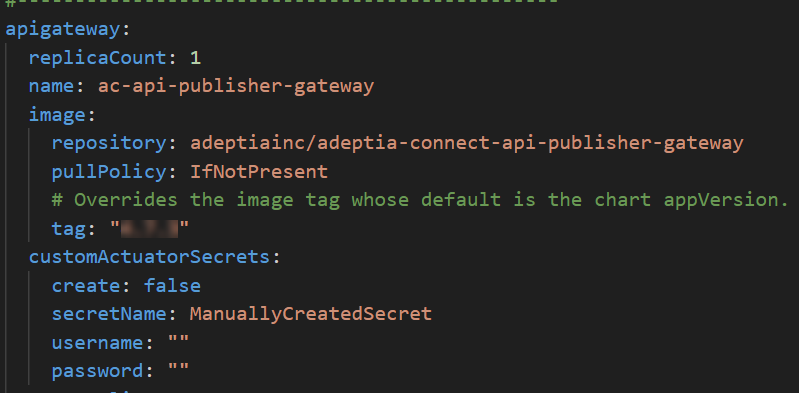
 | When you access this URL, you will be prompted to enter authentication credentials.
|
Generating health report
You can get the health report of a microservice by hitting the URL in the following format:
https://<domain name>/health?deploymentName=<Name of the deloyment for which you want to get the report>
For example,