Using Adeptia Assistant
Adeptia Connect has now integrated an AI chatbot, Adeptia Assistant, within the platform. This chatbot, serving as a virtual assistant, responds to user queries by deriving information from the Adeptia knowledge base. It offers comprehensive product information, empowering users to gain insights into the diverse functionalities of the application. With this feature, users can achieve instant problem resolution round the clock, engage in efficient problem-solving, and make well-informed decisions. Harnessing the power of artificial intelligence, the Adeptia Assistant helps users streamline their workflows and optimize productivity within the Adeptia Connect ecosystem.
 | This feature is by default disabled for on-premise customers. To enable the feature in your setup, please contact your Adeptia application admin or support@adeptia.com for assistance. To see the properties to enable Adeptia Assistant, refer to this section. |
To access product information or find a resolution to an issue using Adeptia Assistant, do the followings,
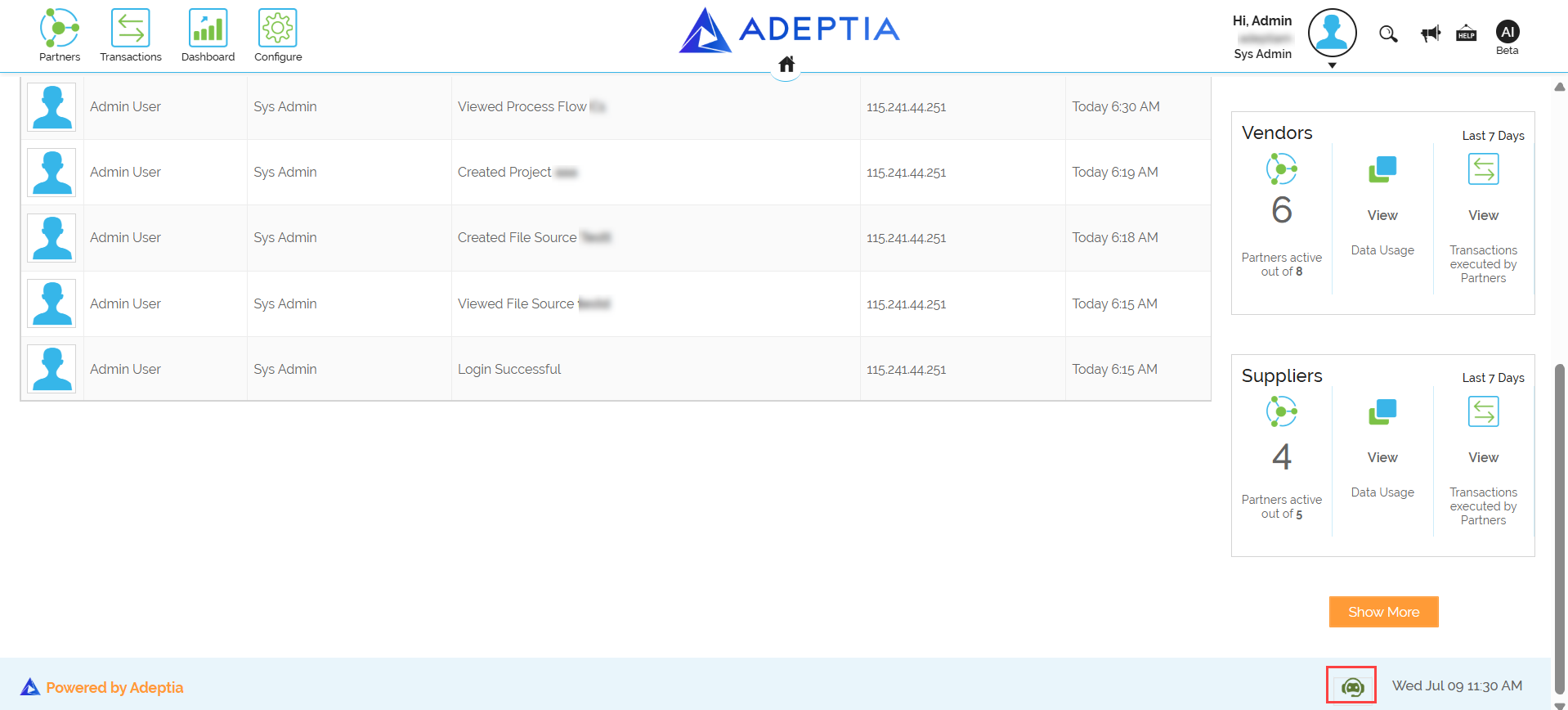
- On the bottom- right corner of the Home screen, click Adeptia Assistant
 .
.
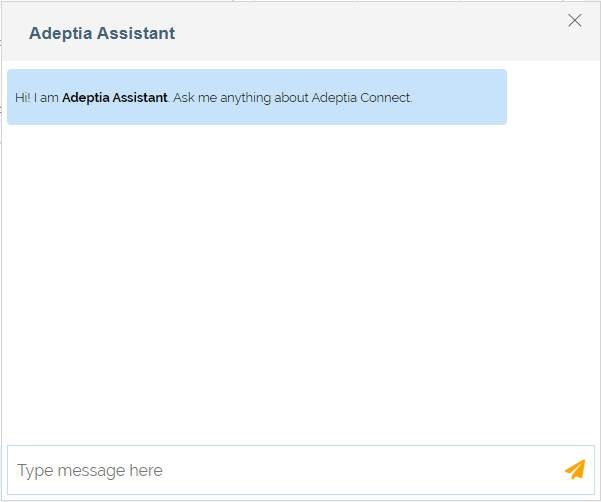
The Adeptia AI chat pops open. - Write the query for the information you want to seek.
- Click
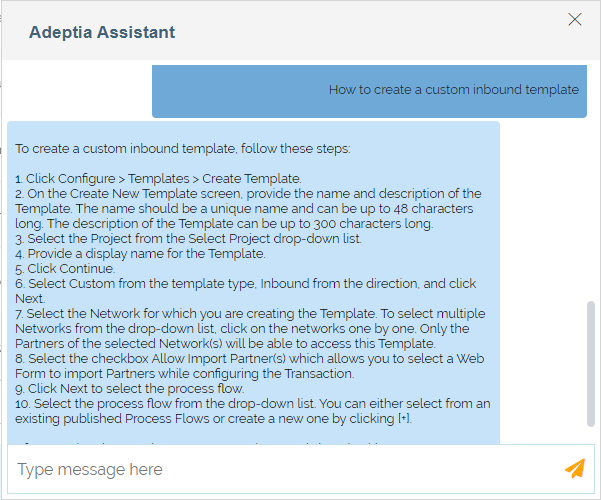
 . The Adeptia Assistant provides response to your query based on the information obtained from the Adeptia Connect knowledge base, as shown in the example screenshot.