Viewing System logs
System log displays messages related to the system. It includes change of password and login/logout details.
 | Only Sys Admin and IT User are authorized to view the System logs. |
Accessing System log
-
Go to the Dashboard page.
-
Click System Logs option from the left pane.
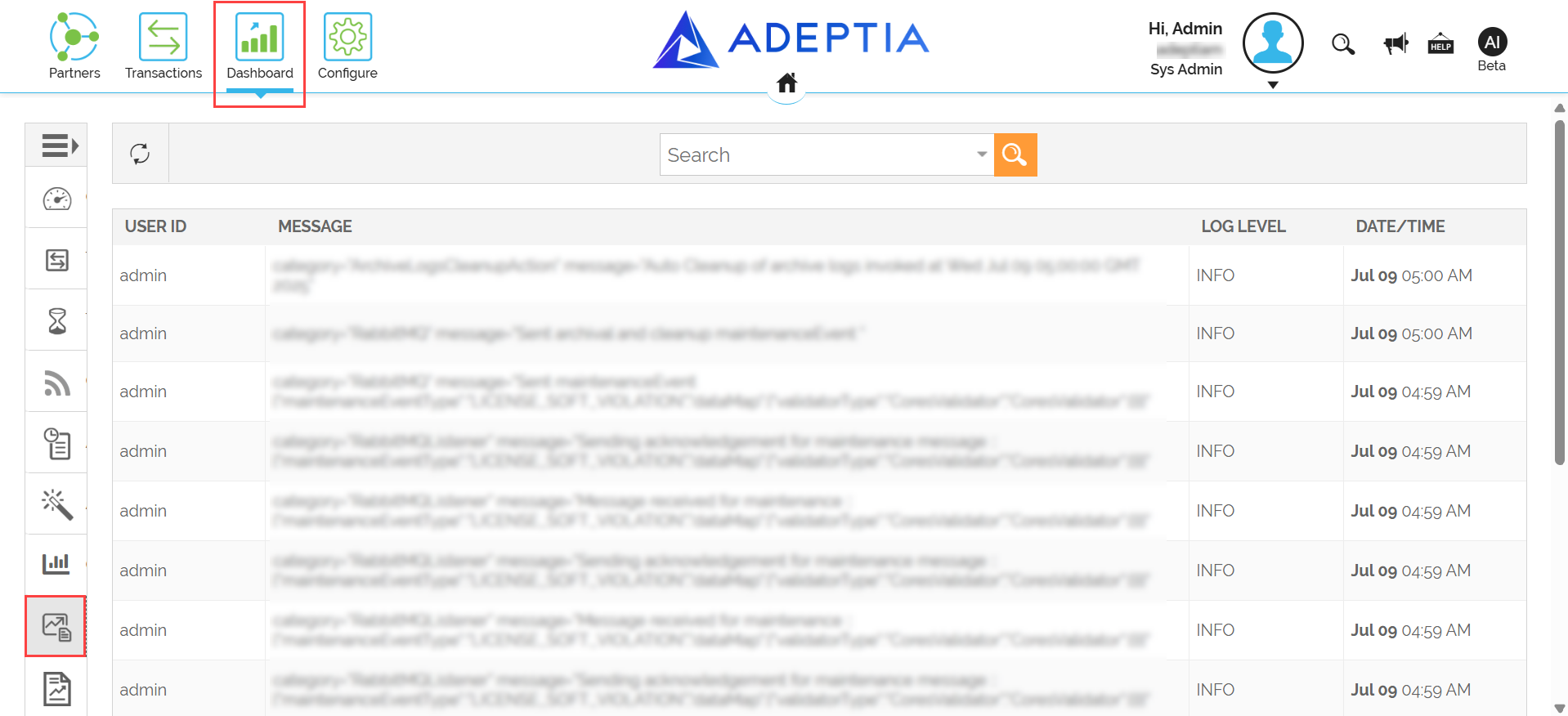
By default today's logs are displayed. -
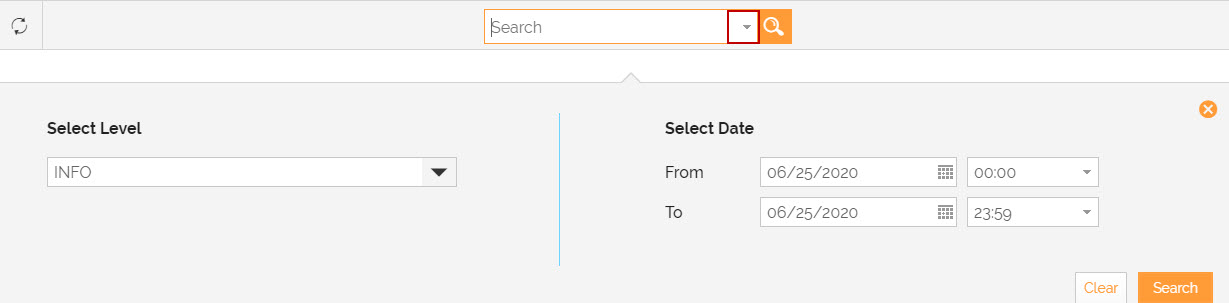
To search for system logs for a specific time period, go to advanced search. Click the arrow in the search box to do an advanced search.
-
To select the time interval for which you want to view the logs, click the calendar icon and select the date to enter in From and To field.
-
Select the logging level from the drop-down list of Select Level field. By default INFO level is selected.
-
Click Search. The log information for the selected time interval is displayed.
-
To view the log of ERROR level, click the ERROR link to view the details of the error.