Adding Favorite Transactions
Add any Transaction as a favorite, so next time you can manage the same Transaction with fewer clicks. To add the Transaction as a favorite:
-
Click Transactions > Transactions.
-
On the Transactions screen, click
 > Add to Favorite.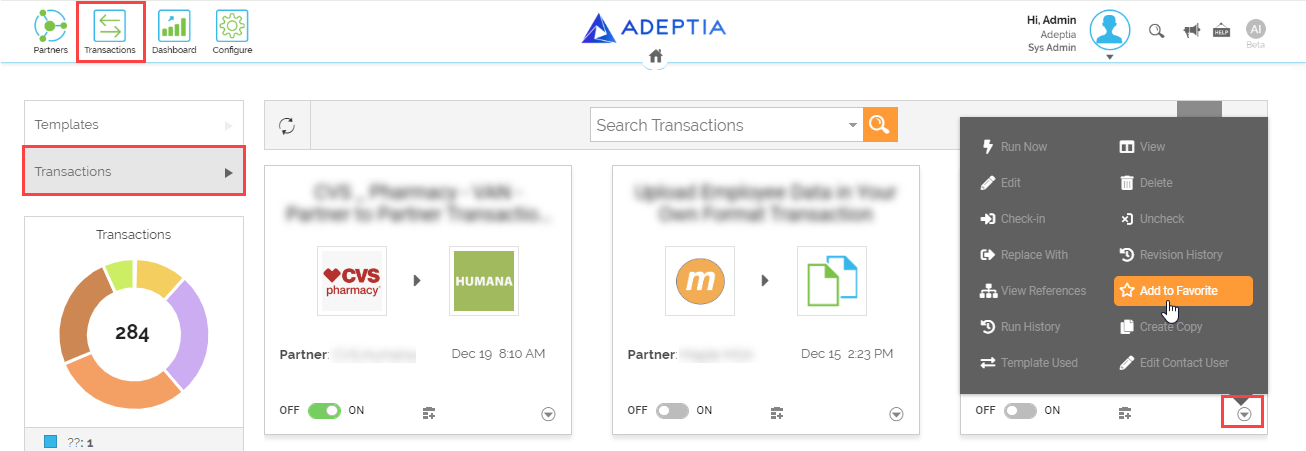
This adds the Transaction to your favorite Transactions list. You can now manage (view, edit, or delete) the Transaction from the Adeptia Connect home page screen.