Using a Template
You can only use an activated Template for creating a Transaction.
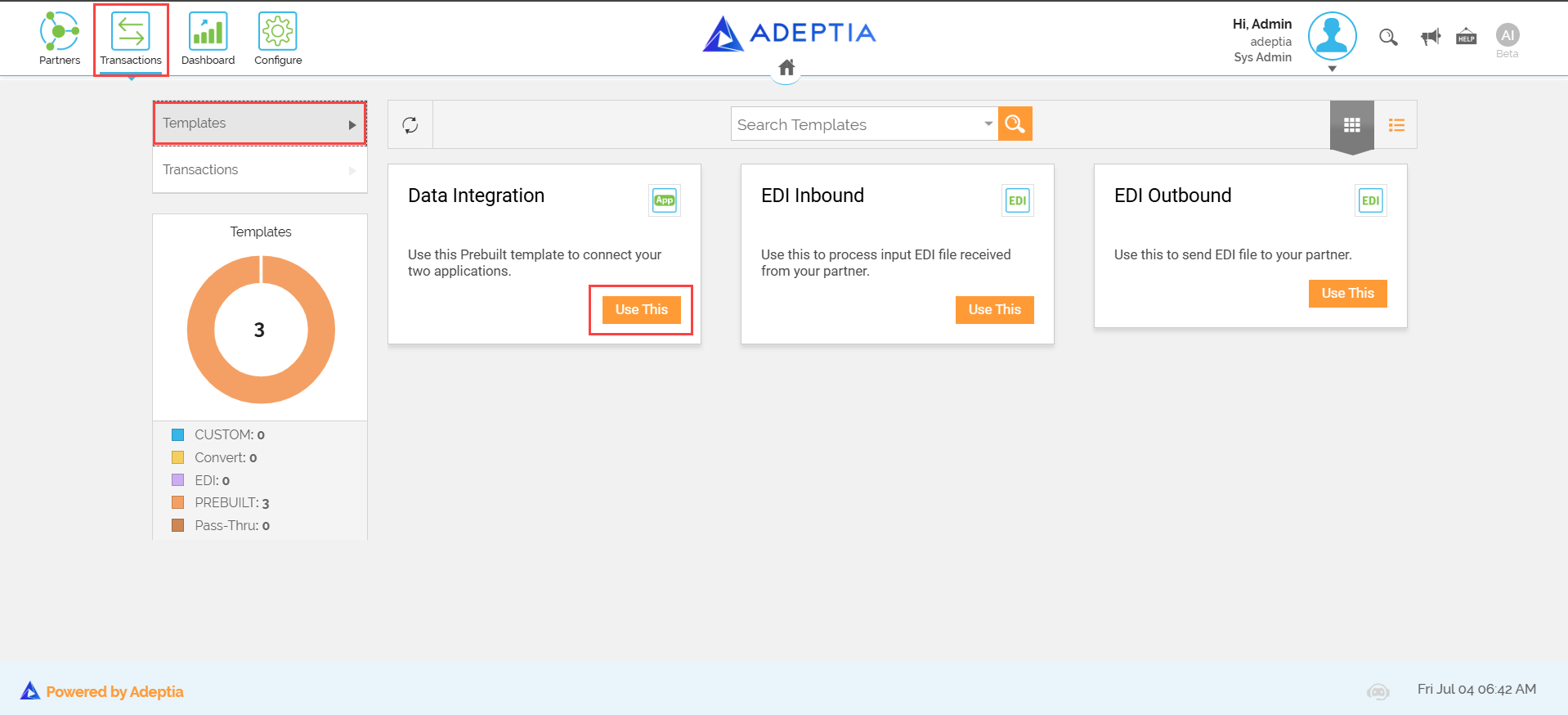
You will also find the following three activated prebuilt Templates that only the Company can use. Use these Templates to create a sample Transaction to check the successful exchange of data. Note that these Templates can't be edited or deleted.
- Data Integration: Use this to exchange data between two applications.
- EDI Inbound: Use this to receive EDI data from the Partner.
- EDI Outbound: Use this to send EDI data to the Partner.
 | You can know the Template type from the Type column in the List view. |
To use a Template:
-
Click Transactions > T****emplates.
-
On the Templates screen, go to the Template that you want to use and click
 .
.
You can view the Templates in a list or tile view by clicking  and
and  buttons respectively.