Editing Routing
You can update the Routing of Templates (with Content-Based Routing) from Adeptia Connect without deactivating it.
To update the Routing of a Template:
-
Click Configure > Templates.
-
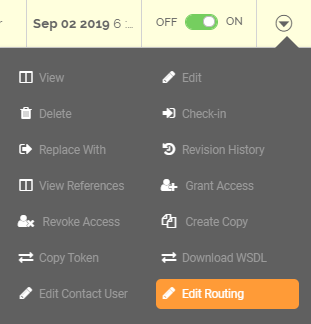
On the Templates screen, click
 > Edit Routing.
-
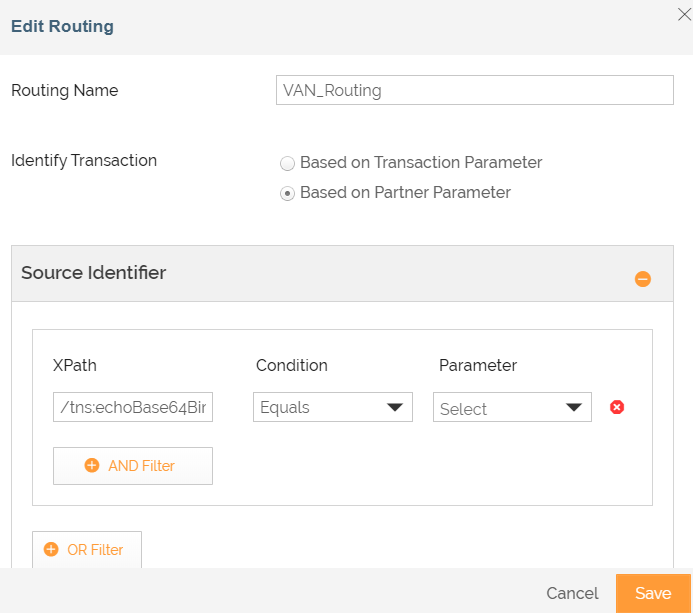
The Edit Routing page is displayed.
-
Update the value as required.
-
Click Save.
This updates the routing of the Template.