Database Source
Database Source service fetches the data from the table of a database. This section describes how to create a Database Source service.
 | As this Database Source service has now been deprecated in Connect, it is recommended that you use Advanced Database Source to fetch data from multiple tables of a database. Click here to know how to create an Advanced Database Source service. |
Prerequisites
 | Ensure that you have created Database Info and Advanced Database Layout services. |
To create a database source:
-
Click Configure > SOURCES > Database Source.
-
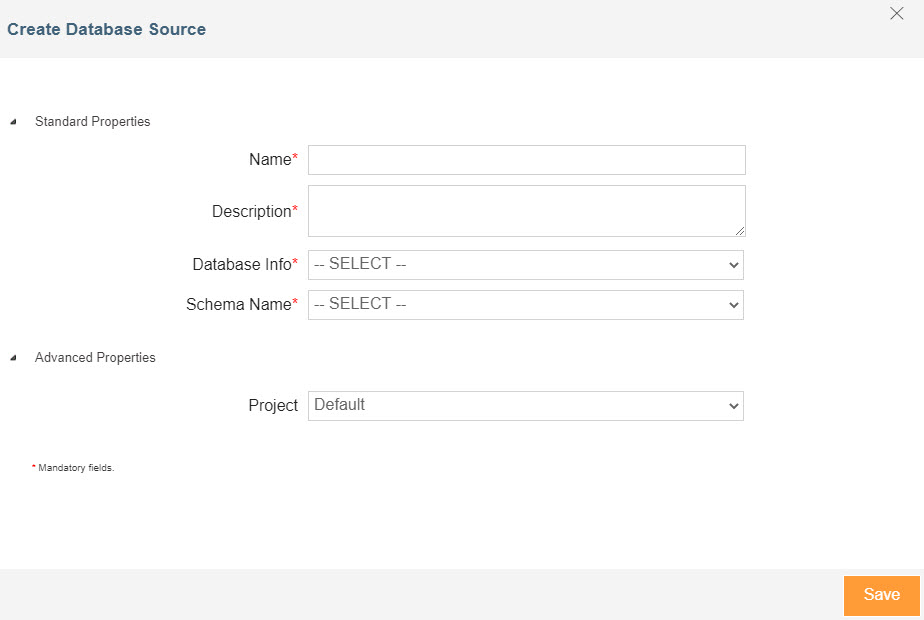
Click ****Create Database Source.
-
Enter the name and description of the new Database Source in the Name and Description text boxes respectively.
-
Select the database info activity and database schema service from the Database Info and Schema Name.
-
Expand Advanced Properties and select the project from the drop-down list of Project.
-
Click Save.