OAuth Account
You can create OAuth Account to generate Access Token. Follow the steps below to create OAuth Account.
-
Click Configure > ACCOUNTS > OAuth.
-
Click Create OAuth account.
-
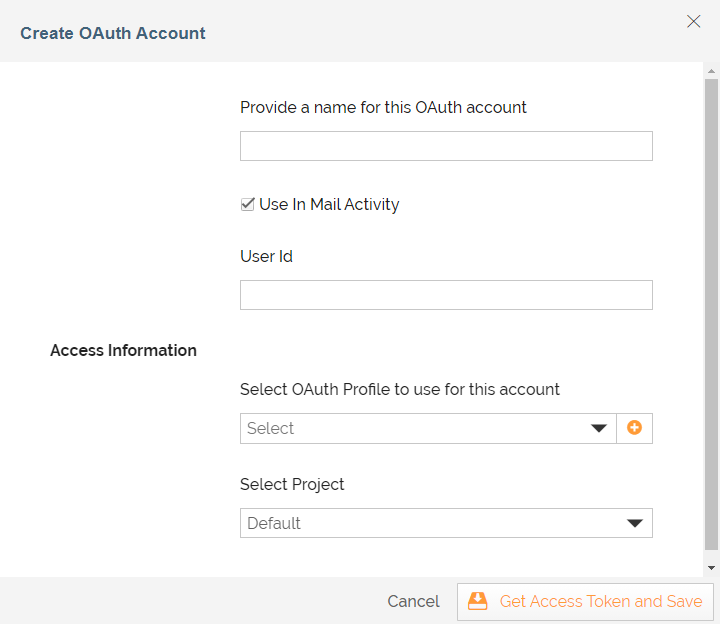
On the Create OAuth Account screen, provide the name of the OAuth Account in the Provide a name for this OAuth account field.
-
Select the Use In Mail Activity check box if you want to use this OAuth Account for mail services.
-
If you select the Use In Mail Activity checkbox, in the User Id field provide the email address that you want to use for mail services
-
Select the OAuth Profile that you have created from the drop-down list of Select OAuth Profile to use for this account field.
Or, you can also create a new OAuth Profile by clicking .
. -
Select the Project from drop-down list of Select Project.
-
Click **Get Access Token and Save.**This creates your OAuth Account in Adeptia Connect.