Seeing Process Flow in View-only mode
Visual representation of any process makes it easier for a user to comprehend the underlying concept. Process Flow in Adeptia Connect is a complex service that requires you to know the nuances of each and every step that is involved in it. While you have the option to see the details of a process flow in documented form, you can also take a look at the live graphical depiction of an existing process flow in Adeptia Connect.
 | You can open a process flow in a view-only mode wherein you can perform some actions but cannot save the changes – It throws an alert message as you try to save the process flow after making any changes. |
To view the process flow including Queue and Deployment with which it is associated:
-
Click Configure > Process Flow.
-
On the Process Flow screen, select the required process flow and click
 > View.
The View Process Flow window opens.
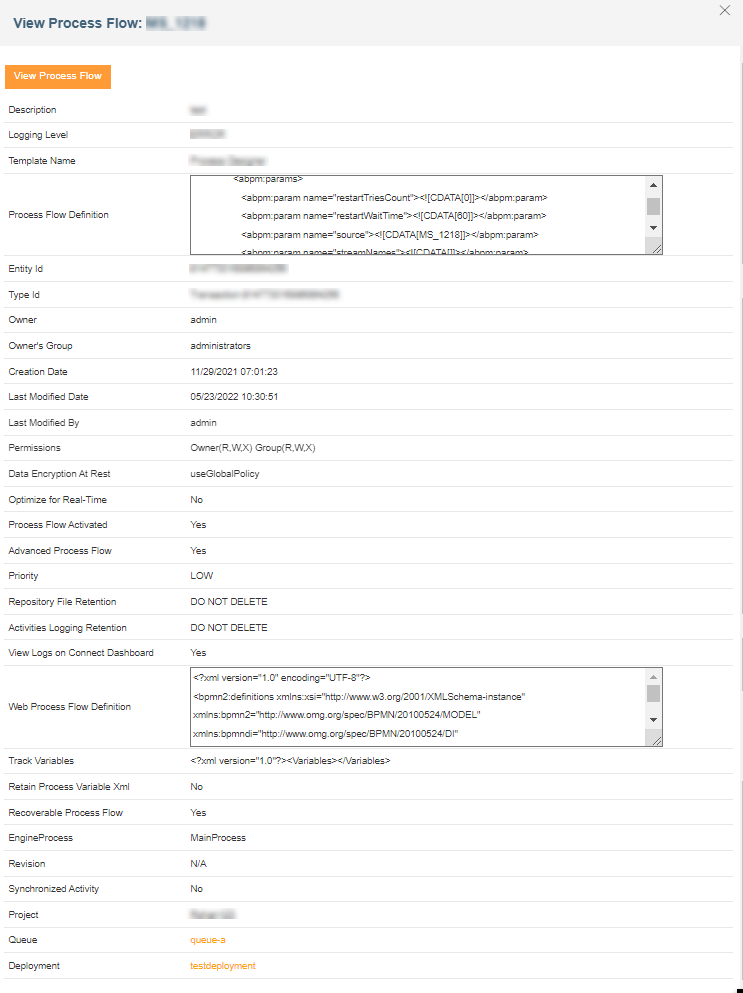

Clicking View Process Flow opens the visual representation of the selected process flow in a new tab in the browser.