Changing Transformer Type
The transformer is used in the mapping activity to convert the source data stream to XML and then XML to the Destination (Target) data stream. There are two types of transformers:
- Stream2XMLStream/XMLStream2stream: This transformer converts the source data to XML (i.e. Stream2XMLStream) and then XML to target data (i.e. XMLStream2Stream). This transformer is used when a mapping activity is used in the process flow. In this case, Stream2XMLStream is used in the source schema and XMLStream2stream is used in the Destination (Target) schema.
- SchemaStream2Record/SchemaRecord2Stream: This transformer converts the source data to an intermediate format (i.e. SchemaStream2Record) and then intermediate format to Destination (Target) data (i.e. SchemaRecord2Stream). This transformer is used when the record to record process of the data is required.
To change the transformer type:
-
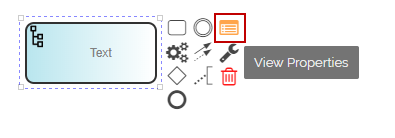
Click the Layout (Schema) activity in the Canvas Area and select the View Properties
 icon from the context pad. Alternatively, you can double-click the schema activity to display the activity properties panel.
-
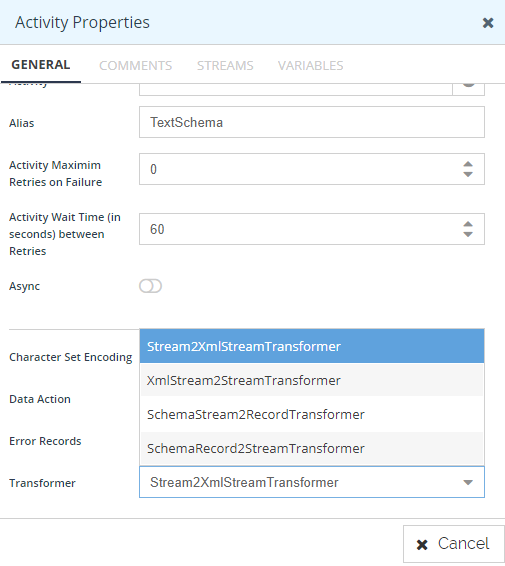
Properties of the selected Layout (Schema) activity are displayed in the Activity Properties Panel.
-
Select the required transformer type (for example, Stream2XMLStream in case of a source schema and XMLStream2Stream in case of Destination (Target) schema from the Transformer drop-down list.