Changing logo of a Partner
When you add a Partner, the default logo of the Partner is  . You can change the logo of the Partner. To change/update the logo:
-
Click Partners > Partners.
-
On the Partners screen, click
 > Update Logo.
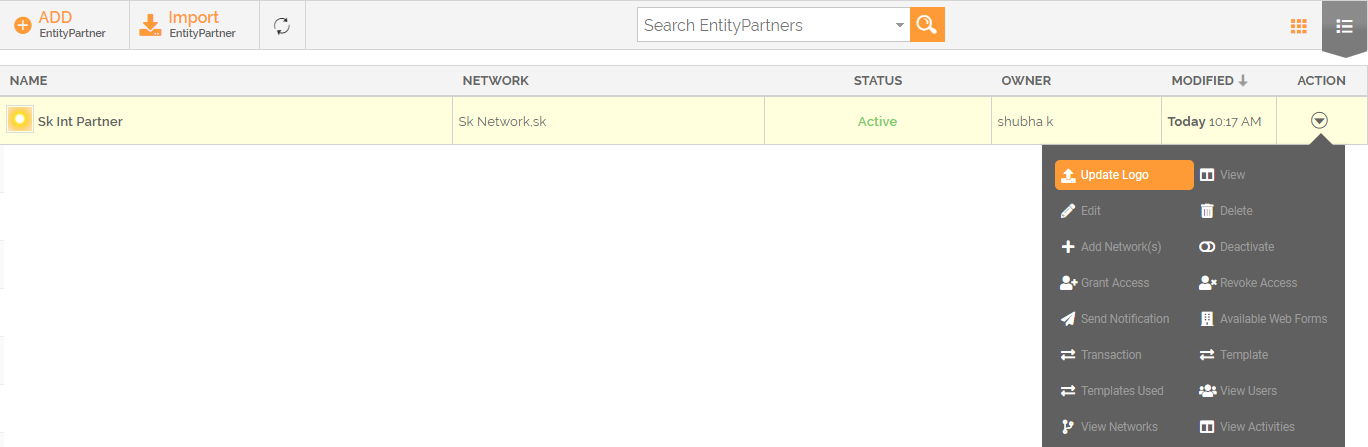
-
The Open dialog box appears. Select the logo to upload and click Open.

Ensure that the size of the Logo is 237 x 64 pixels. -
The Adjust Image window appears. Adjust the logo by dragging the handles of a square box and click Save.
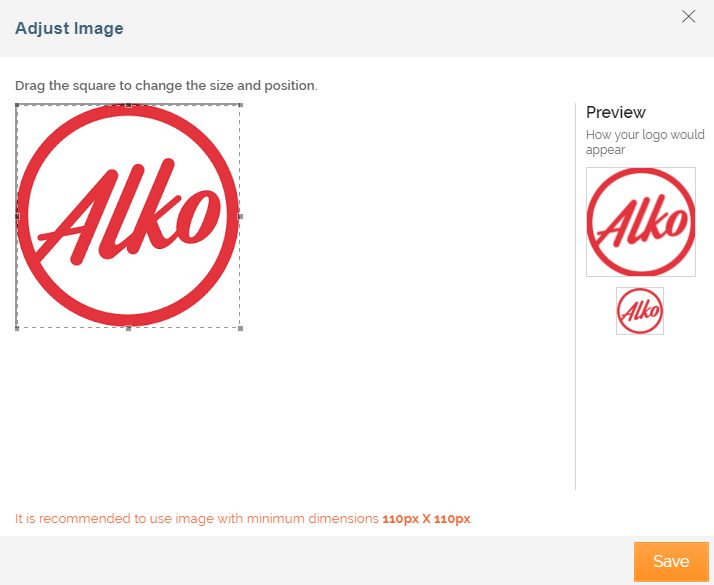 This updates the logo of a Partner and is displayed corresponding to the Partner's name.