Adding multiple Network to a Partner
You can add a new network to a partner without deactivating the partner. This feature helps you to quickly add multiple networks to an existing partner.
To add a Network:
- Go to Partners > Partners.
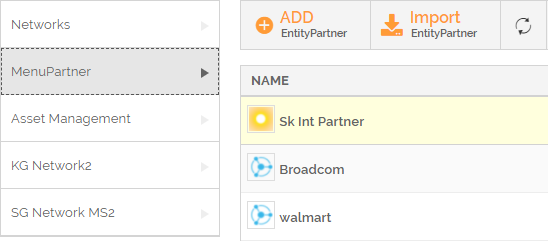
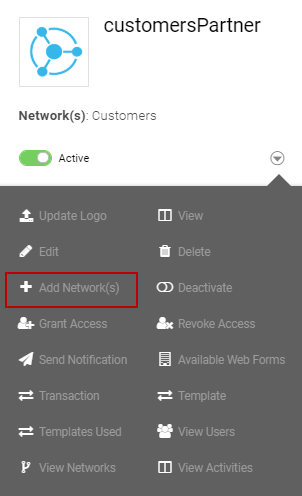
- Select a partner and click the More icon
 . Select ADD Network(s) from the list.
The Add Network(s) window will open. - Select the Networks from the drop-down list of Add Network(s).
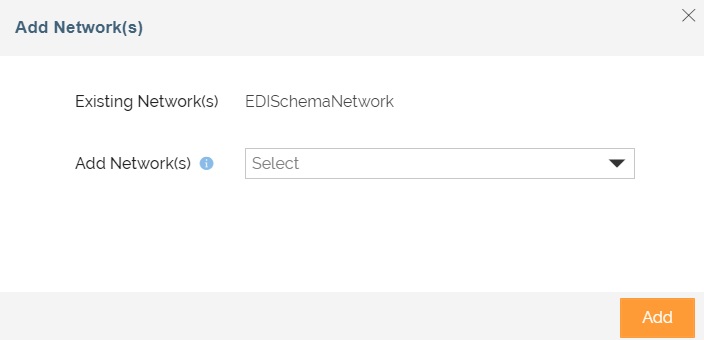
- Click Add. A confirmation message is displayed.