Apache Cassandra
Apache Cassandra is a highly scaleable, high-performance distributed database designed to handle large amounts of data across many commodity servers, providing high availability with no single point of failure.
For more information, click here.
 | Ensure that you have downloaded the drivers to use the application in Adeptia Connect. |
Field (Account) Information
While configuring the Source or Destination of a Template or Transaction, you find an Account option to connect Apache Cassandra with Adeptia Connect. Using Account configuration, you specify the location from where the data is to be accessed. In this process, enter the details of the application account to grant permission for data access.
Specify the following information for Apache Cassandra:
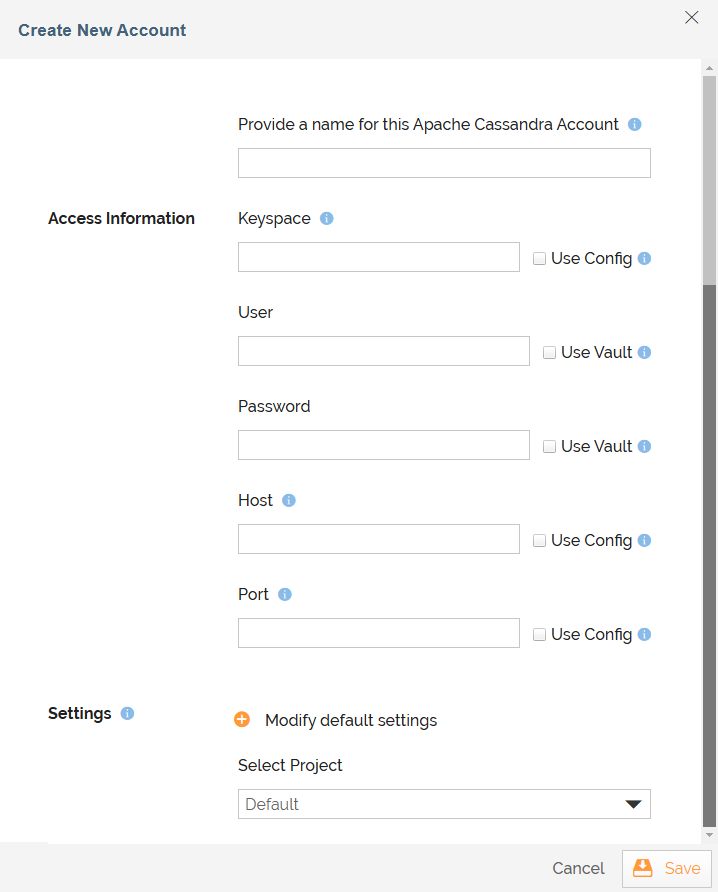
Field Name | Description |
|---|---|
Account Name | A short, descriptive name that helps you re-use this account in future. |
| Keyspace | A namespace that defines data replication on nodes. |
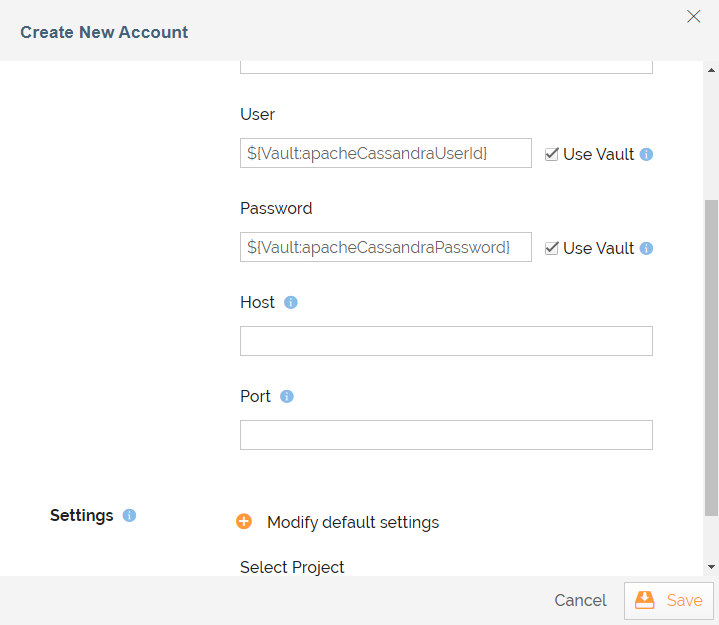
| User and Password | User name and Password of the user |
| Host | Domain name or IP address of the Apache Cassandra server. |
| Port | Port number on which Apache Cassandra server is running. |
|
|
Triggers
A Trigger specifies when a particular Transaction will start executing. While configuring the Source of a Template, you find a Trigger drop-down list.
Following triggers are available for Active Directory at Source.
On Records | Triggers when the new records are added. | ||
| On Records Added or Updated | Triggers when the new records are added or existing records are updated. | ||
| All Records | Extracts all records starting from the beginning. Trigger Name Description |
Actions
An Action specifies how the data will be transferred at the destination location. While configuring the Destination (Target) of a Template, you find an Action drop-down list.
Following actions are available for Apache Cassandra at Destination.
Action Name | Description |
|---|---|
Add Records | Adds the new records in the account. |
| Update Existing Records | Updates existing records in the account. |
Add Records or Update Existing Records | Adds the new records or updates existing records in the account. |