Box trigger and action conditions
All the app connectors in Adeptia Connect have a set of fetch actions such as All Files, to fetch data from their respective applications. For a fetch action, you can use a condition to set filters based on which you may want to fetch specific data from the API.
This has been illustrated below by using All Files fetch action in a Template/Transaction as an example.
 | In case of a Process Flow:
|
-
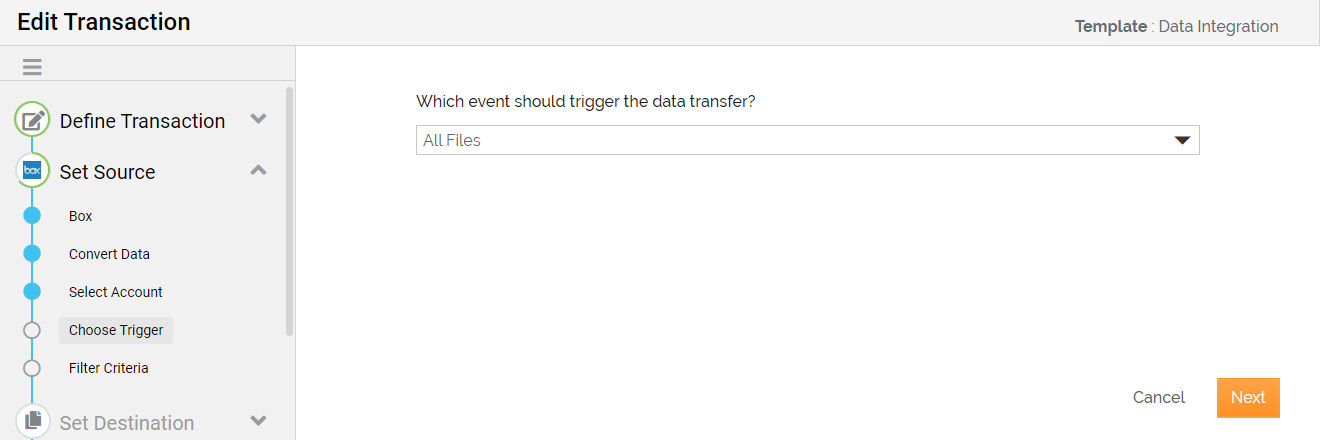
While defining the Source in a Template or Transaction, at the Choose Trigger step, select a Trigger based on which the AC application fetches the data from Box.
-
Click Next.
-
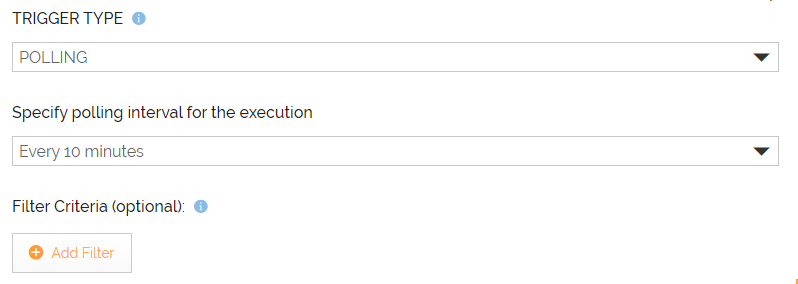
At the Filter Criteria step, define the filter criteria to further filter the fetched data.
-
Define the Destination.

The steps given in this section help you define Box as the Destination in a Template/Transaction. -
Follow the instructions in the wizard to complete the creation of the Template/Transaction.