Adding the connector to Adeptia Connect
Once you have created the connector's specification yaml file, you need to upload it to add the new connector to Adeptia Connect by following the steps given below:
 | You can add an app connector only if you have the required permissions. |
- Click Configure > App Connector > Connectors.
- Click Create App Connector.
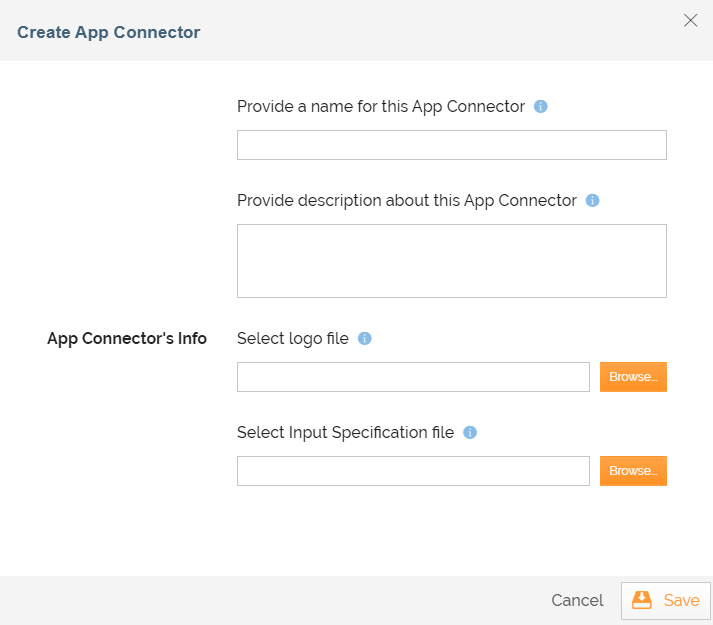
- On the Create App Connector screen, do the following:
-
Provide a name and description for the Connector in the relevant fields.
-
Browse to and select a logo for the Connector.
-
On the Adjust Image screen that opens, adjust the size of the logo (if required), and then click Save.
The minimum dimension of the image recommended by Adeptia is 110px X 110px. -
Browse to and select the connector's specification yaml file you have created.
-
Click Save.
-