Non-EDI Relationship Dashboard
A Non-EDI Relationship in Adeptia Connect is a configuration that enables the exchange of non-EDI file formats (such as Excel, XML, JSON, Text etc.) between a Company and its Partner.
Non-EDI Relationships are used when data does not conform to strict EDI specifications but still needs to be securely and reliably exchanged and processed.
Steps to view a Non-EDI Relationship
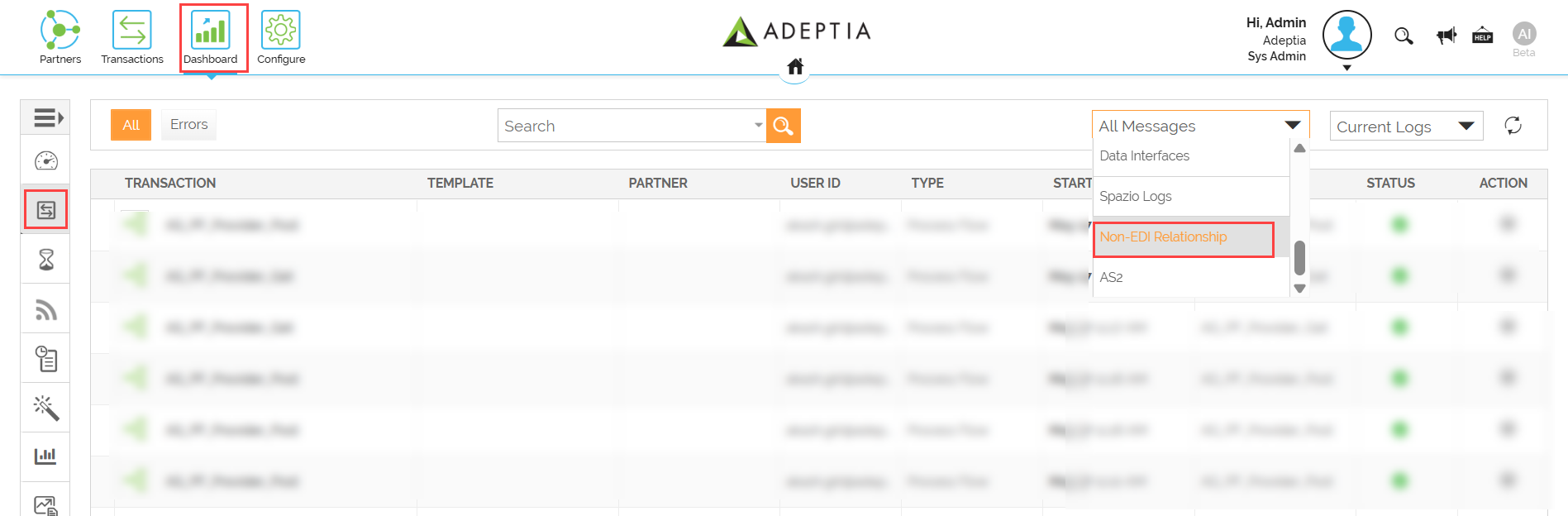
- Click Dashboard
 tab on the home page.
 - On the Dashboard screen, click Transactions
 in the left pane.
 - Select Non-EDI Relationship from the All Messages dropdown.
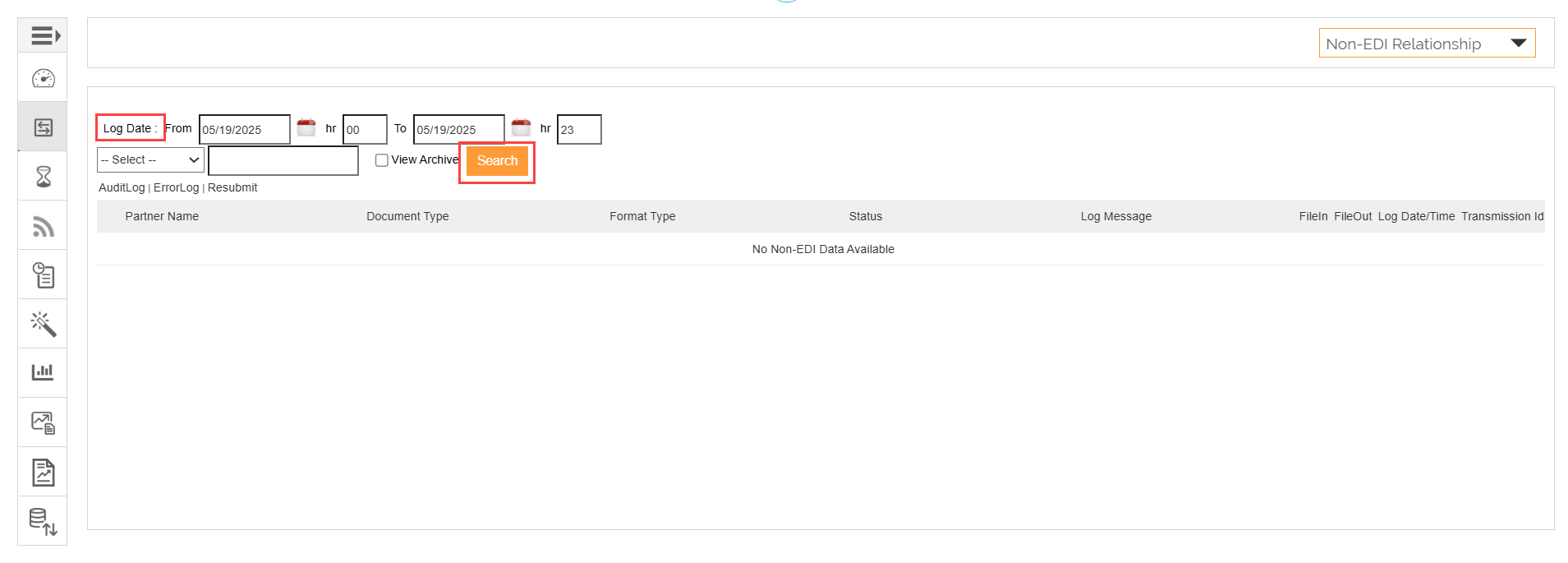
- On the Non-EDI Relationship page, select the date and time range for which you want to view the details and click Search. By default, the current date is selected.
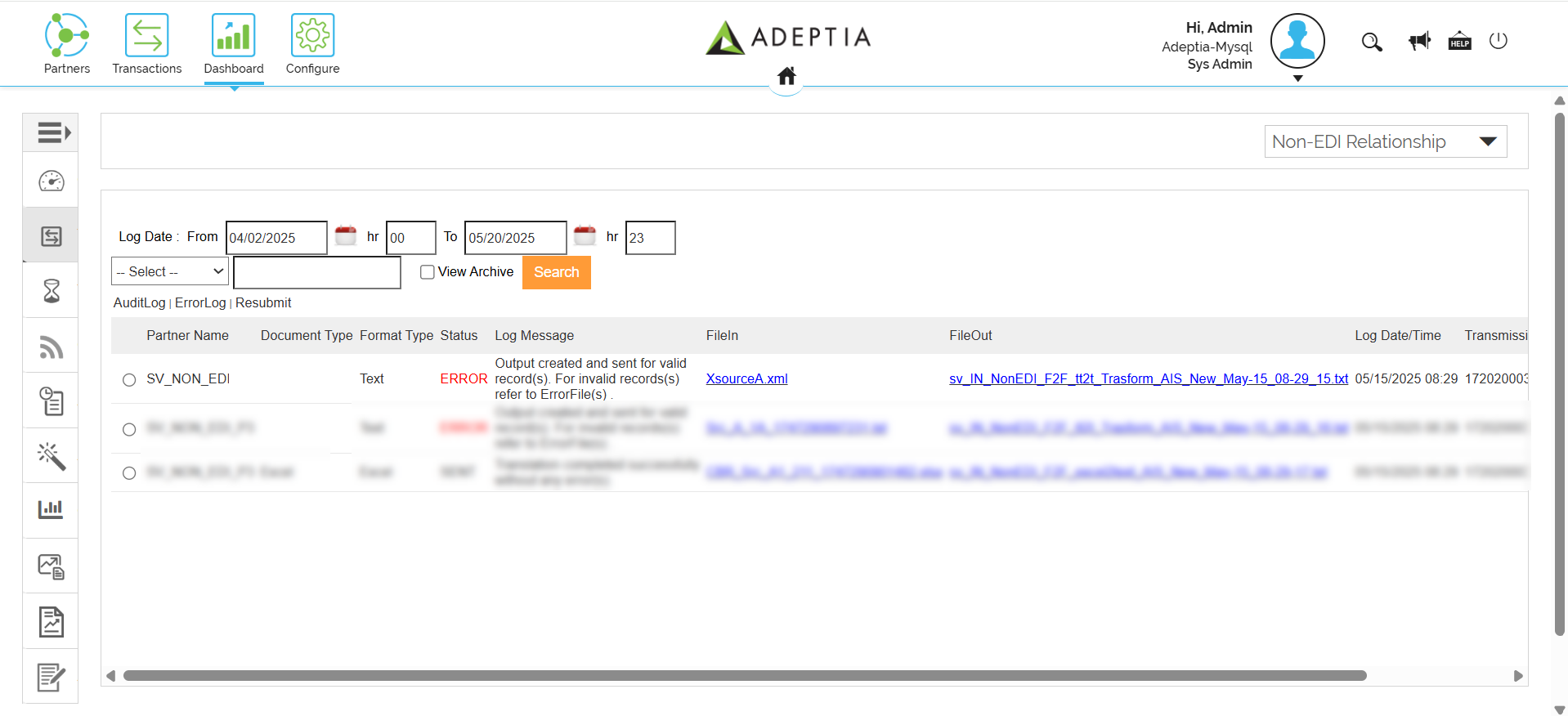
- Based on your selection, you can view the following details for a Non-EDI Relationship:
| Column | Description |
|---|---|
| Partner Name | Name of the Partner. |
| Document Type | The document type of the source data. |
| Format Type | Format of the file exchanged. Example: Text, Excel, XML, etc. |
| Status | Current processing status of the Non-EDI Relationship. Example: ERROR, SENT. |
| Log Message | The message recorded in the log. |
| FileIn | Link to the input file used at the source. |
| FileOut | Link to the output file generated at the destination. |
| Log Date/Time | The time and date when the message was logged. |
| Transmission Id | A unique identifier used to track and reference a specific data transfer. |
 | • You can filter your search based on the criteria (column name). To do so, • Select the column name from the SELECT dropdown based on which you want to perform the search action. • Enter the search value in the textbox next to the dropdown. • Click Search to view the filtered results. • Select the View Archive checkbox and click Search to access the archived data for the selected date time range. |
|---|
Audit log
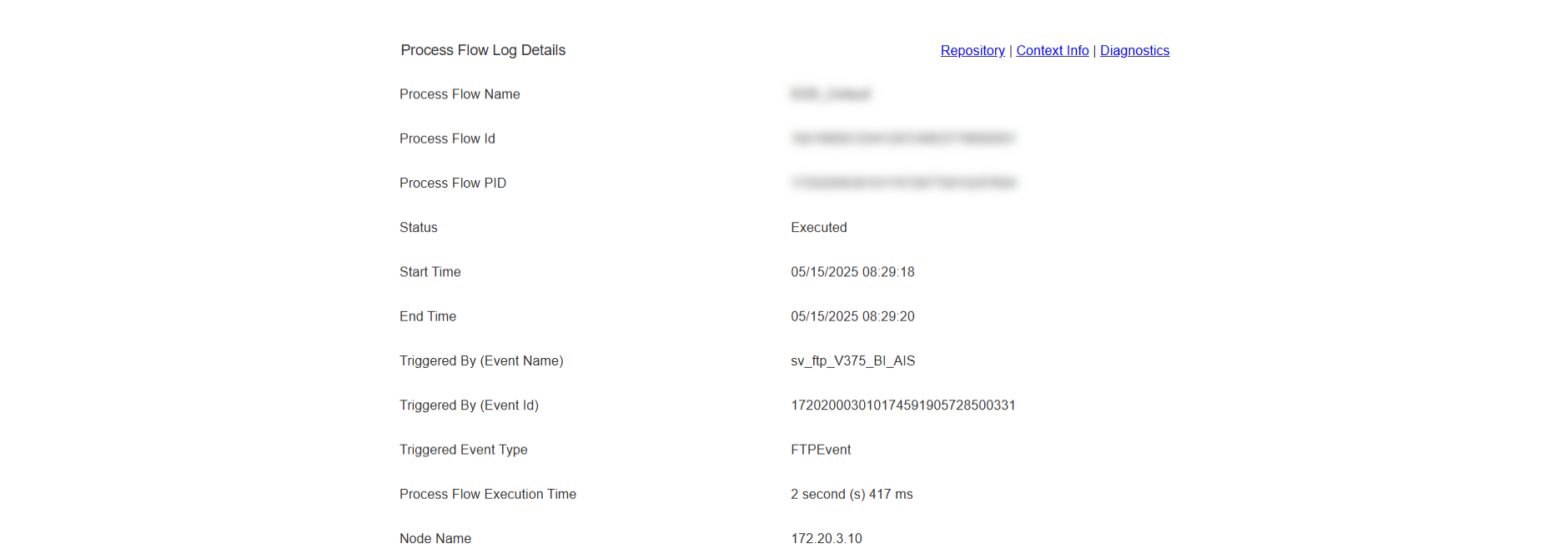
The Audit log section displays the detailed logs of execution of a Non-EDI Relationship.
This section also contains the following options:
- Repository: View the repository files generated or used during the execution of the Non-EDI Relationship. These files include input, output, and intermediate files that are part of the data exchange.
- Context Info: View detailed runtime context data for a Non-EDI Relationship. This includes variable values, system properties, and metadata captured during the execution of the Non-EDI Relationship.
- Diagnostics: View diagnostic information for the associated Non-EDI Relationship.
Error log
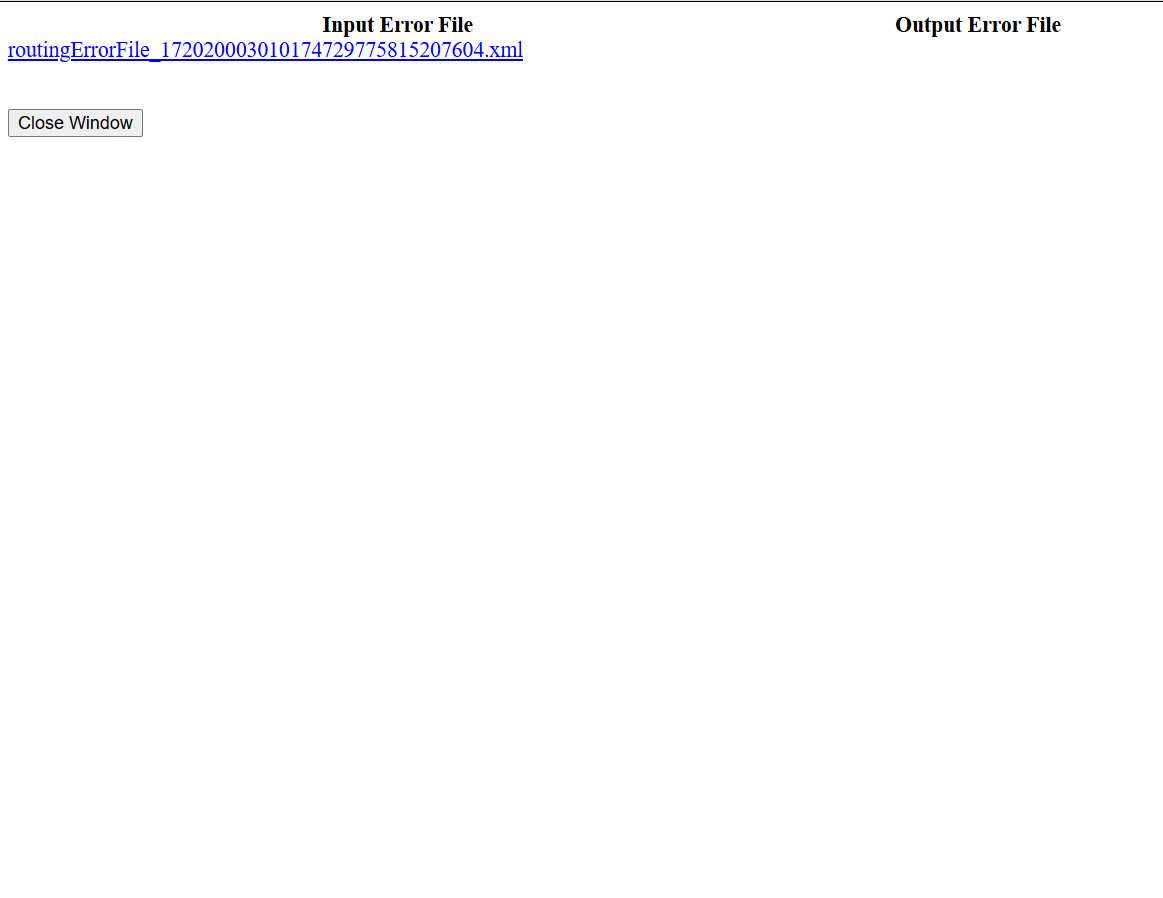
The Error Log section****provides access to the input and output error files generated during the execution of a Non-EDI Relationship. These files contain details about any issues encountered while processing the data.
Resubmit
The Resubmit option enables you to reprocess a previously executed data file associated with a Non-EDI Relationship.