Verifying Installation - Linux
To verify the installation:
- Open the browser and type the URL in the below format:
<protocol_name>://<IP_address>:<port_number>
where, <protocol_name> is the name of the protocol you are using, for example, HTTP. <IP_Address> is the IP address of the computer on which Adeptia Connect is installed. <port_no> is the port number of the computer on which Adeptia Connect is installed.
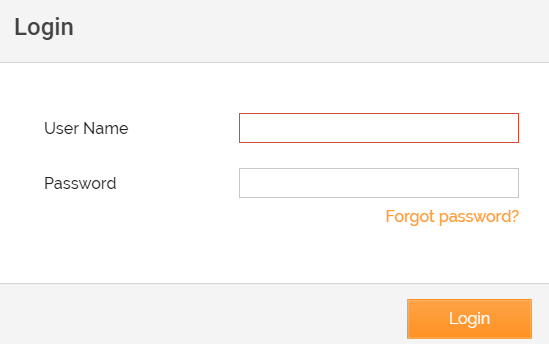
For example, http://192.168.1.1:80 2. Adeptia Connect login page appears, indicating a successful installation. The default credentials are: User Name: admin Password: indigo1