Editing a Web Form
You can edit details of a Web Form specified while creating a Web Form. You can edit details of a Web Form in a deactivated state only. Therefore, before editing a web form, you need to deactivate first.
To edit a Web Form:
- Click Configure > Web Forms.
- On the Web Forms screen, click
 > Edit.
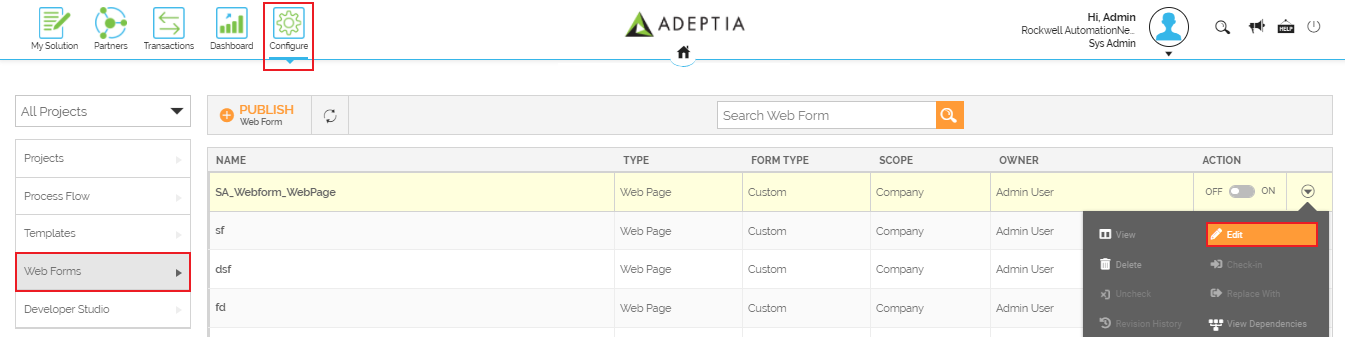
- Edit the details of a Web Form on theEdit Web Form screen and click Save.
This edit details of a Web Form.
You may be interested in...