View Source and Target Partner of a Partner to Partner Exchange Transaction
You can view the source and target partners of a Partner to Partner Exchange Transaction.
Source Partner
-
Click Transactions> Transactions.
-
On the Transactions screen, click
 > View <Source Partner Name>.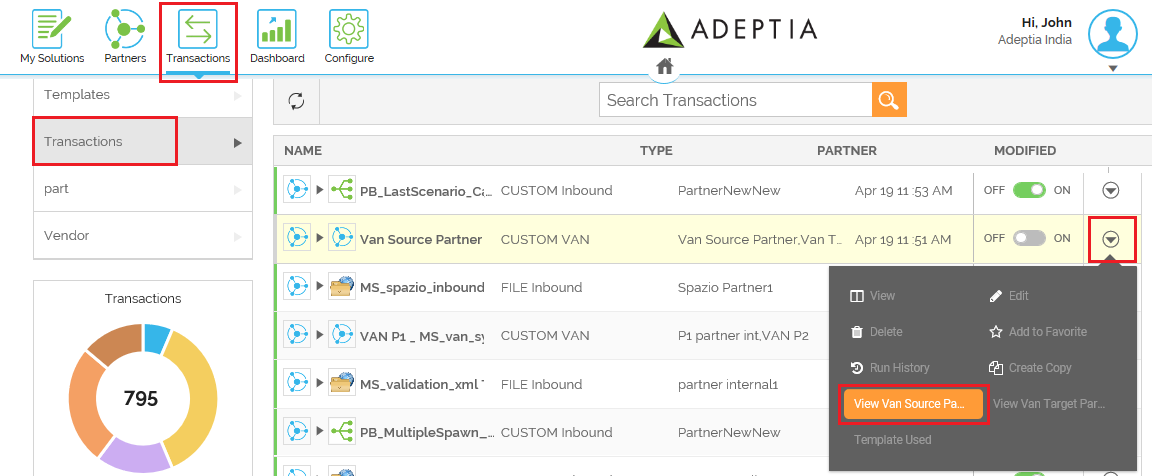
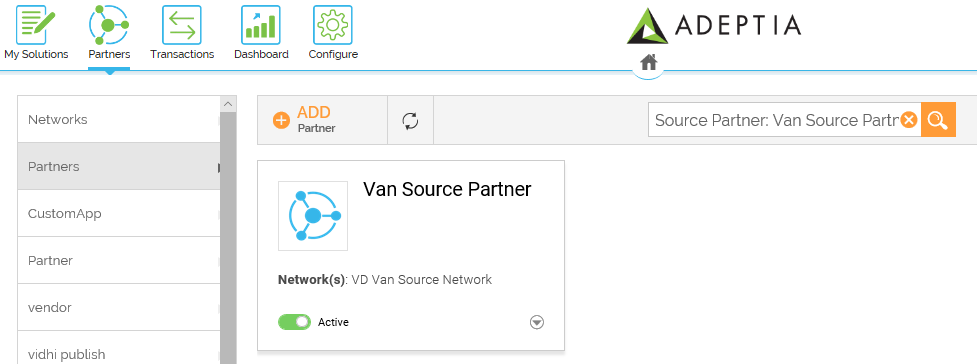
This opens the source partner in the Partner's page.
 Target Partner
-
Click Transactions> Transactions.
-
On the Transactions screen, click
> View <Target Partner Name>.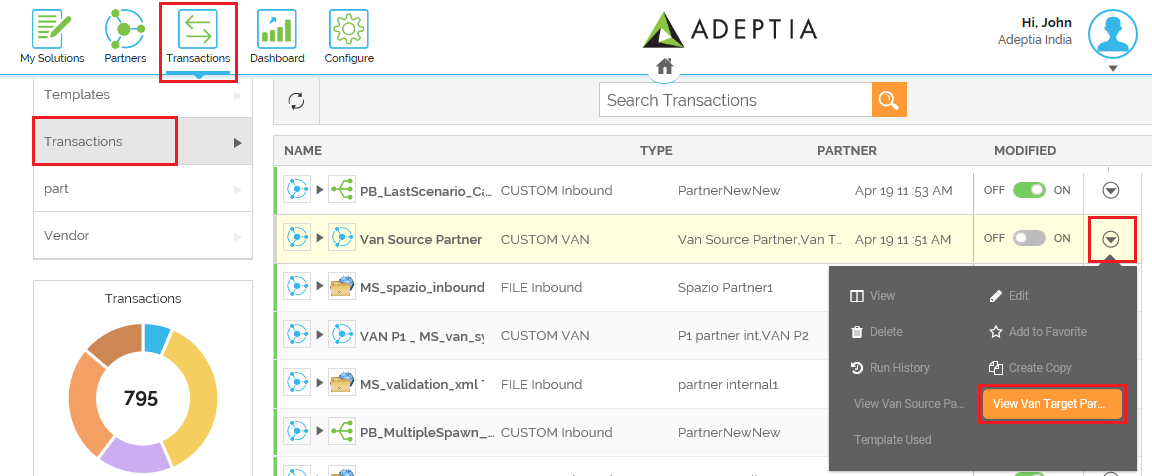
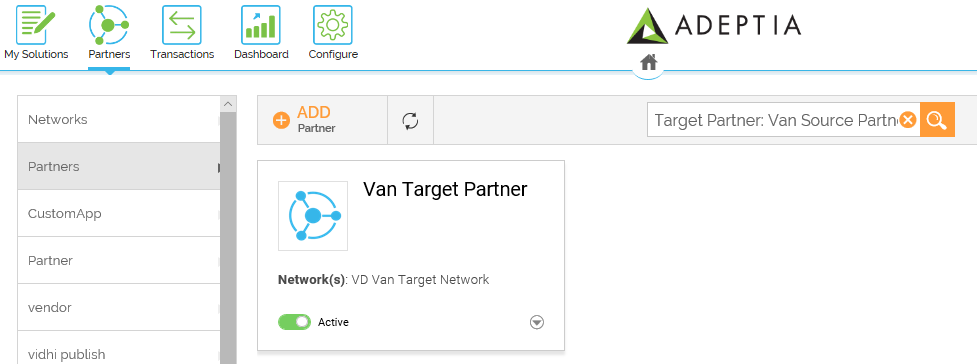
This opens the target partner in the Partner's page.
You may be interested in...