Executing a Transaction
A Transaction can be executed either automatically or manually.
-
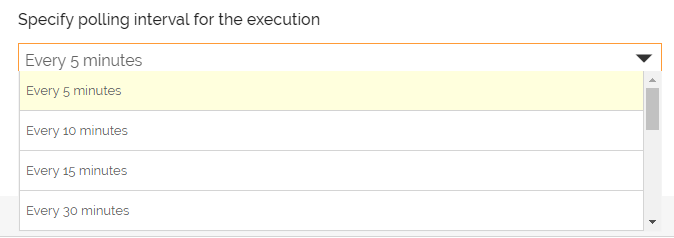
To execute the Transaction automatically, choose the polling interval while creating the Transaction. The polling interval determines the time interval (wait period) between successive polls.
-
To execute the Transaction manually, choose No Polling while creating the Transaction. The Transaction is executed only when you select Run Now option, which executes the Transaction instantly. Even if you have specified a polling frequency for the Transaction, you can still execute it manually through Run Now option.


You can view the execution details of the Transaction such as the status of the Transaction, last execution time, next execution time, and much more. Click  to the activated Transaction to view execution details and click Run History.
You may be interested in...