Creating a Dashboard Design
This page guides you on how to create a dashboard design.
Prerequisites
 | Ensure that you have created a dashboard componentbefore you proceed to create a dashboard design. |
|---|
Follow the steps below to create a dashboard design:
- Click Configure > CUSTOM DASHBOARD > Design.
- Click Create Custom Dashboard Design.
- Enter the name and description of the new dashboard component in the Name and Description fields respectively.
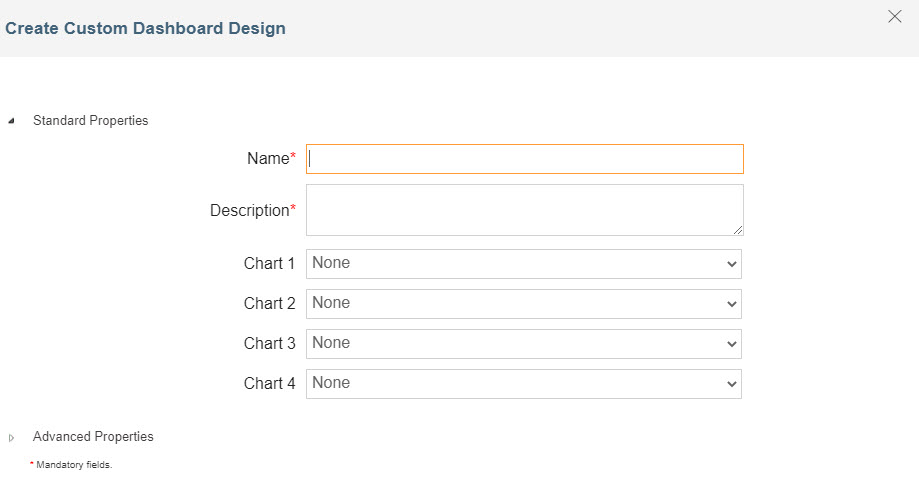 4. Select the component in the chart fields. You can select one component from each chart field.
5. Expand Advanced Properties and select the project in the Project field.
6. Click Save.
4. Select the component in the chart fields. You can select one component from each chart field.
5. Expand Advanced Properties and select the project in the Project field.
6. Click Save.
You may be interested in...