Tracking Context Variables
You can track the context variable and view the logs using Tracking Context Variable feature.
 | Tracking Context Variable feature is not supported in Adeptia Connect v3.0. |
|---|
Follow the steps to track the context variable:
- Click Configure > Developer Studio.
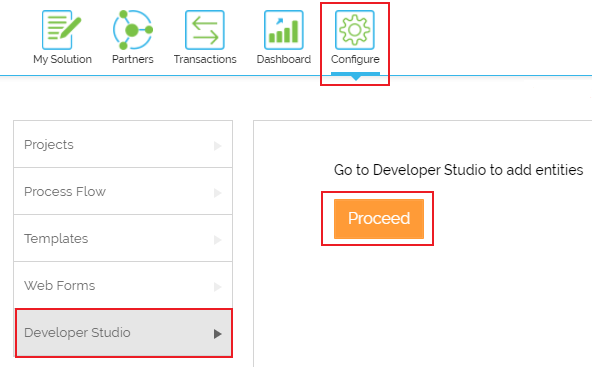
- Click Proceed and you will be redirected to Adeptia Suite home page.
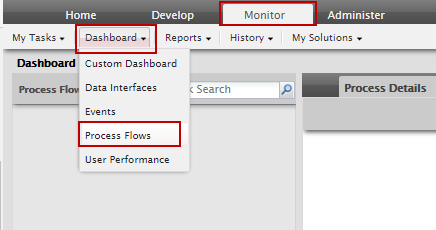
- On the Adeptia Suite home page, click Monitor tab.
- Go to Dashboard menu and select the Process Flows option to display the list of process flows.
- Click KPI to see the logs of context variables.

You may be interested in...