Activating or deactivating a Process Flow
Process flows can be in an activated or deactivated state. Only activated process flows can be executed.
 | Only a Company administrator and an IT User can activate or deactivate a Process Flow. |
|---|
Steps to activate or deactivate a Process Flow
- Click Configure> Process Flow.
- On the Process Flow screen, click
 toggle button to activate.
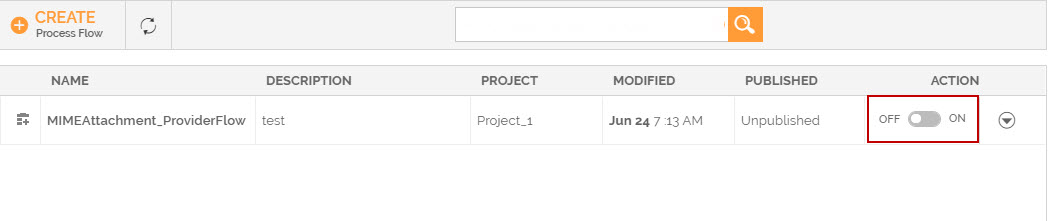 3. Click Yes when prompted to confirm.

This activates a Process Flow.
If you want to deactivate a process flow, click  the toggle button against that process flow.
You may be interested in...