Google Drive
Google Drive is a file storage and synchronization service created and managed by Google. It allows users to store documents in the cloud, share files, and edit documents with collaborators. Files shared publicly on Google Drive can be searched with web search engines.
For more information, click here
Field (Account) Information
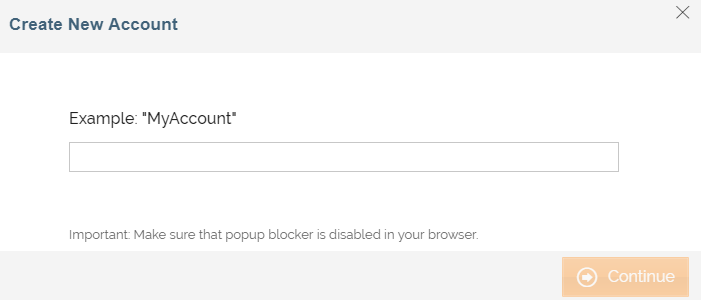
While configuring the Source or Destination of a Template or Transaction, you need to create an account to connect Google Drive with Adeptia Connect. While creating an account, you need to specify the location from where Adeptia Connect will access the data.
Click  to add an account.

Specify the following information for Google Drive:
| Field Name | Description |
|---|---|
| Account Name | A short, descriptive name that helps you re-use this account in future. |
Triggers
A Trigger specifies when a particular Transaction will start executing. While configuring the Source of a Template, you need to choose an event.
Following triggers are available for Google Drive at Source.
| Trigger Name | Description |
|---|---|
| New File in Directory | Triggers when a file is added. |
Actions
An Action specifies how the data will be transferred at the destination location. While configuring the Destination (Target) of a Template, you need to choose an action.
Following actions are available for Google Drive at Destination.
| Action Name | Description |
|---|---|
| Create File | Creates a file (with a unique name) at the specified location. |
| Copy File From Trigger | Creates a file (with the same name as Source file) at the specified location. |